



新闻中心
最真实的客户反馈,高高度信息丰富的技术支持视频和我们的最新更新!
最真实的客户反馈,高高度信息丰富的技术支持视频和我们的最新更新!

조회: 183

게시 시간:2026-08-18
LED displays generate heat during normal operation. LEDs, driver ICs, power supplies, and other electronic components all produce heat when the screen is running. A slightly warm cabinet is usually normal.
However, excessive heat is different. LED display overheating can cause unstable images, color changes, unexpected shutdowns, and faster component aging. In serious cases, it may damage the power supply, LED modules, or other electrical parts.
Understanding the causes of overheating and knowing what to check can help keep an LED screen stable and extend its service life.
 Normal for an LED Display to Get Hot?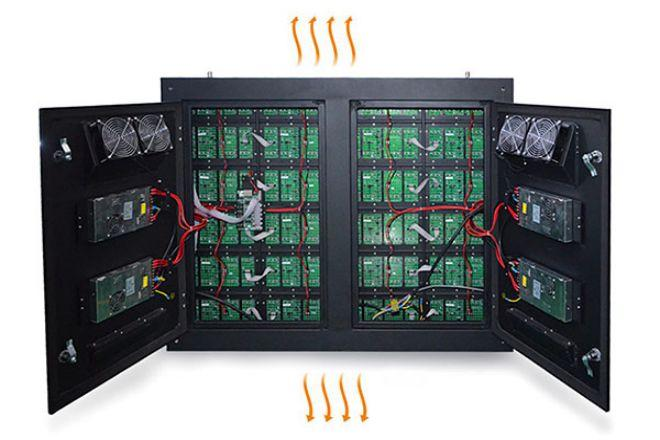
Yes. It is normal for an LED screen to become warm after running for several hours, especially at high brightness.
The real problem begins when heat cannot escape from the cabinet efficiently.
An outdoor LED display, for example, may operate at high brightness under direct sunlight. This means the screen receives heat from the environment while also generating heat internally.
Indoor displays face different problems. A screen installed close to a wall or inside an enclosed structure may have limited airflow, causing heat to build up behind the display.
Therefore, the temperature of the screen should always be considered together with its installation environment.
Several factors can cause abnormal LED screen temperatures.
Poor airflow is one of the most common causes of LED screen overheating.
Heat needs a clear path to leave the cabinet. If ventilation openings are blocked or the screen is installed in a tight space, hot air may remain trapped inside.
This is particularly important for large fixed LED walls and custom installations.
Outdoor screens may operate for many hours in direct sunlight during summer.
High ambient temperature makes cooling more difficult because the difference between the internal and external temperature becomes smaller. Outdoor installations therefore require proper cabinet design, ventilation, and cooling according to local conditions.
Higher brightness generally requires more electrical power and creates more heat.
Outdoor LED screens often need high brightness during the daytime to remain visible in sunlight. However, maximum brightness is not necessary at all times.
Automatic or scheduled brightness adjustment can reduce unnecessary power consumption and heat generation, especially at night.
Dust can gradually collect around ventilation openings, cooling fans, power supplies, and internal components.
A thick layer of dust restricts airflow and may reduce cooling efficiency.
Regular cleaning is especially important for displays installed in dusty outdoor environments, industrial areas, transportation facilities, or locations where the screen operates for long periods.
Large outdoor LED displays may use fans or other cooling systems to move hot air away from internal components.
If a fan stops working, becomes blocked, or runs too slowly, the temperature inside the cabinet can increase quickly.
Unusual fan noise can also be an early warning sign.
The power supply is another important heat source.
A power supply operating under excessive load, poor ventilation, unstable voltage, or abnormal electrical conditions may become unusually hot.
If one area of the display is much hotter than the others, checking the power supply and electrical connections in that area is a useful troubleshooting step.
LED displays used in shopping malls, control centers, advertising locations, stadiums, and public spaces may operate for many hours every day.
Long operating hours do not automatically cause overheating, but poor ventilation combined with high brightness and high ambient temperature can make heat accumulation more serious.
Not every warm LED cabinet means there is a problem. Instead, look for abnormal changes in screen performance.
Common warning signs include:
One cabinet or module becoming much hotter than surrounding areas
Unexpected brightness changes
Color inconsistency
Flickering or unstable images
Frequent black screens
Automatic shutdown
Abnormally hot power supplies
Cooling fans making unusual noises
A burning or unusual electrical smell
If there is smoke, a burning smell, melted wiring, or repeated electrical protection shutdowns, turn off the display and arrange a professional inspection before operating it again.
Continuous high temperature can accelerate the aging of electronic components.
LED lamps may experience faster brightness degradation, while driver ICs can become unstable. Power supplies operating under excessive heat may also have a shorter service life.
Overheating can also affect:
LED modules: unstable brightness or color performance.
Power supplies: protection shutdown or premature failure.
Driver ICs: flickering and abnormal image output.
Cables and connectors: increased electrical stress when poor connections are also present.
PCB and electronic components: faster long-term aging.
This is why heat management should be considered during both LED display design and installation.
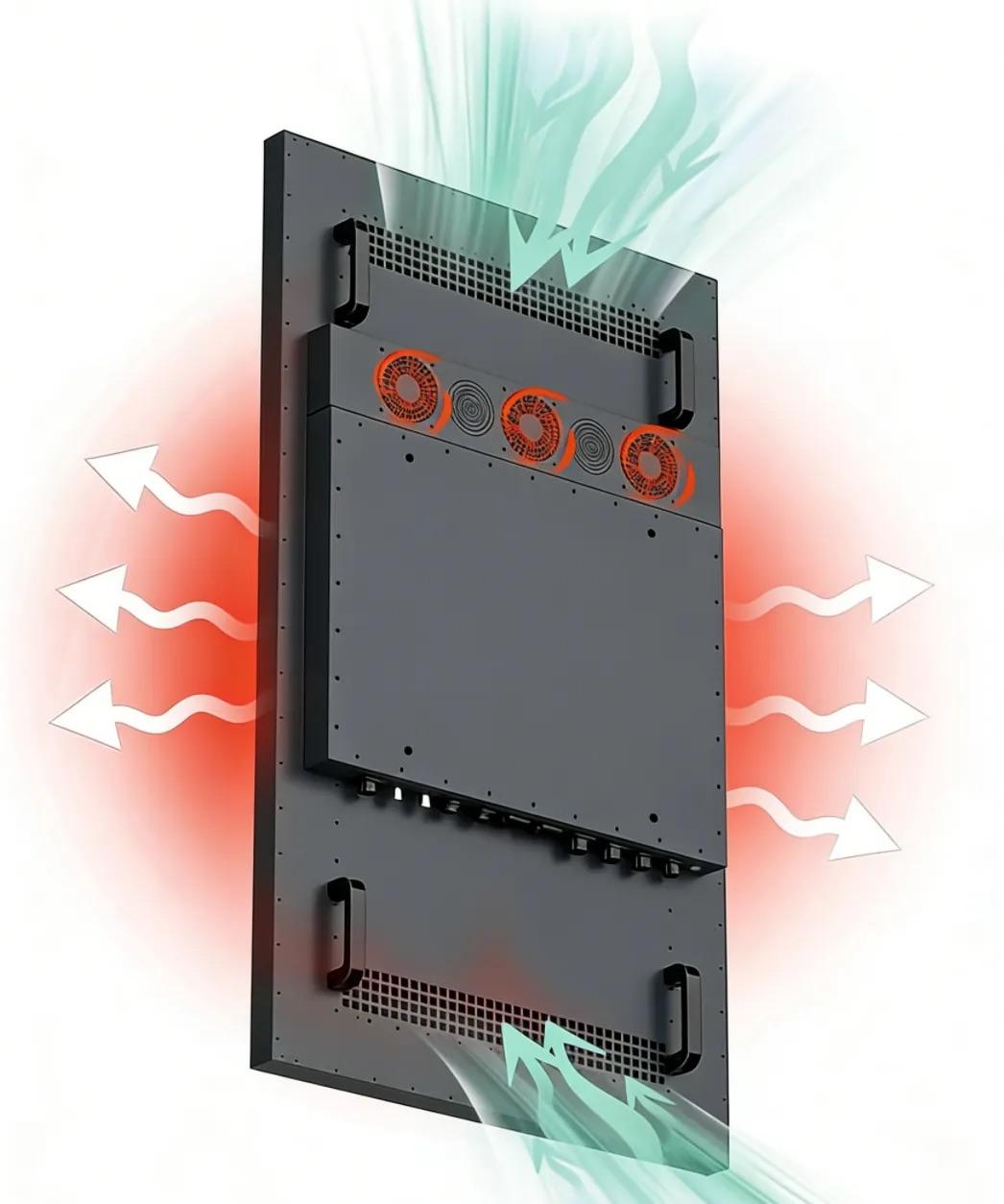
When an LED display becomes unusually hot, use a simple step-by-step process instead of replacing components immediately.
Lower the screen brightness temporarily and observe whether the temperature decreases.
If it does, excessive brightness or power load may be contributing to the problem.
Check the ambient temperature and whether the screen is exposed to strong direct sunlight.
For indoor installations, make sure hot air is not trapped behind the display.
Check air inlets, exhaust areas, cabinet openings, and the space around the screen.
Remove anything blocking airflow.
Make sure all fans are operating normally. Replace damaged or unusually noisy fans when necessary.
Inspect fans, ventilation openings, power supplies, and cabinets for dust accumulation.
Cleaning these areas can restore normal airflow.
Check whether a particular power supply, cable, or connector is significantly hotter than similar components.
An abnormal hot spot can help identify the source of the problem.
If only one LED module becomes very hot, the problem may be local rather than related to the entire cooling system.
Inspect its power supply, driver components, cables, and module condition.
Prevention starts before the LED screen is switched on.
Leave enough space for airflow during installation. Avoid blocking cabinet ventilation openings and choose an appropriate cooling solution based on screen size, power consumption, operating time, and local climate.
Regular maintenance is equally important. Clean dust, inspect fans, check power supplies, and monitor abnormal hot spots before they develop into larger failures.
For outdoor installations, cooling must also work together with weather protection. Adding more ventilation openings is not always the correct solution because the cabinet must still resist rain and dust.
A properly designed outdoor LED screen should balance brightness, environmental protection, power consumption, and temperature control.
If a display will operate outdoors or in another demanding environment, temperature management should be considered during product selection.
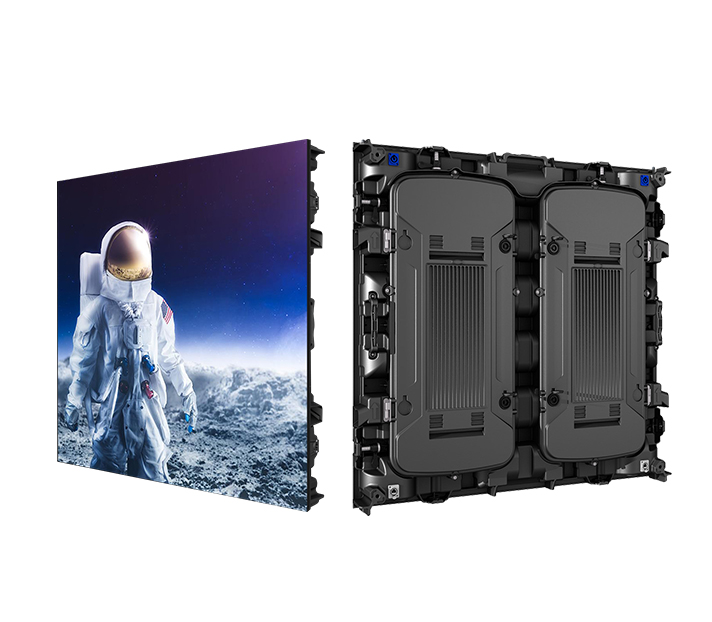
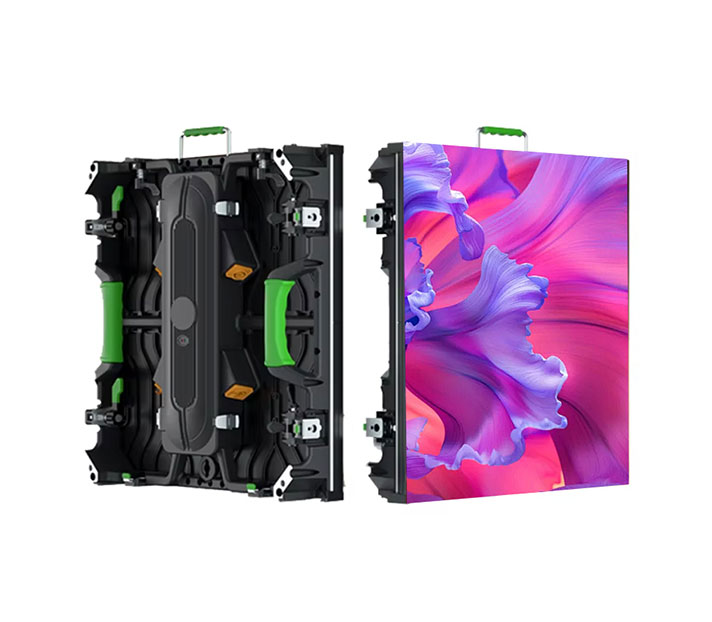
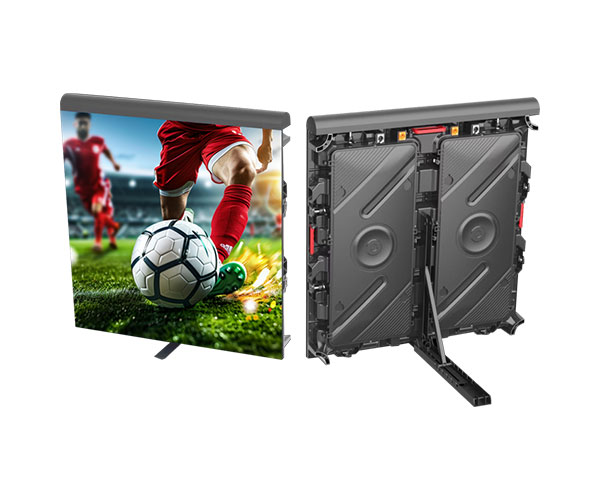
TOOSEN outdoor LED display solutions support high-brightness applications and use weather-resistant cabinet structures for outdoor installations. Selected outdoor solutions also use intelligent temperature-controlled fans and adjustable brightness to help manage power consumption and operating temperature.
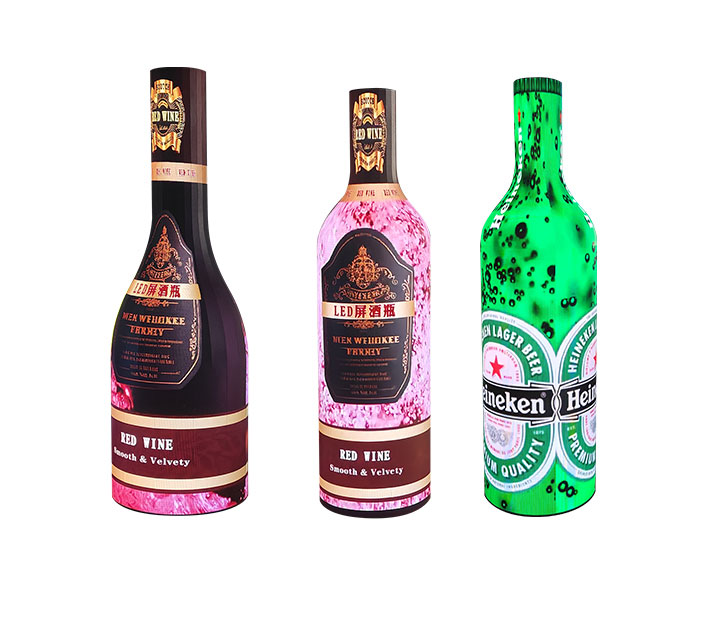
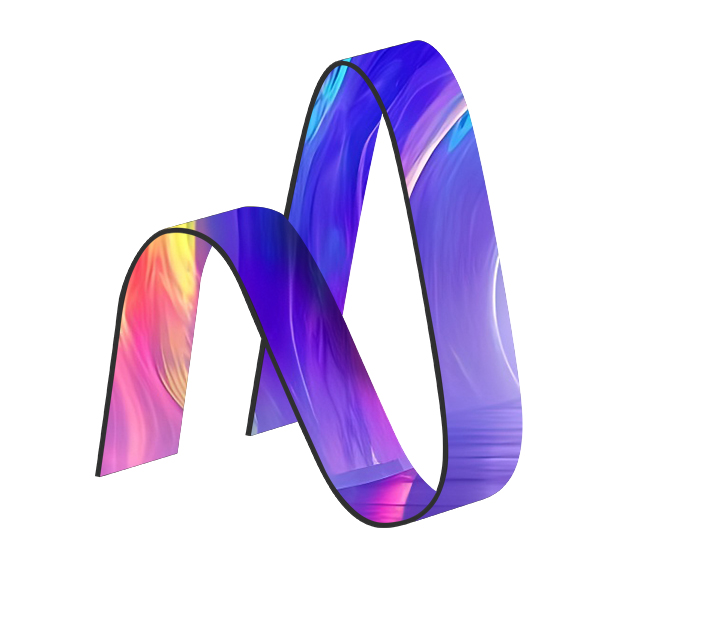
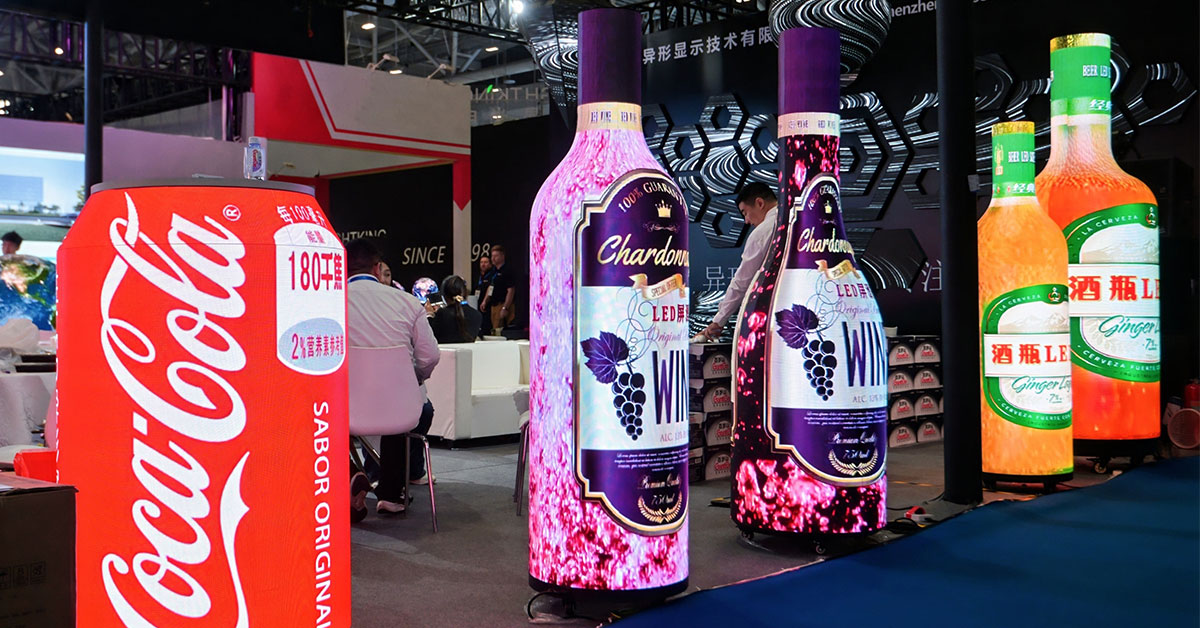
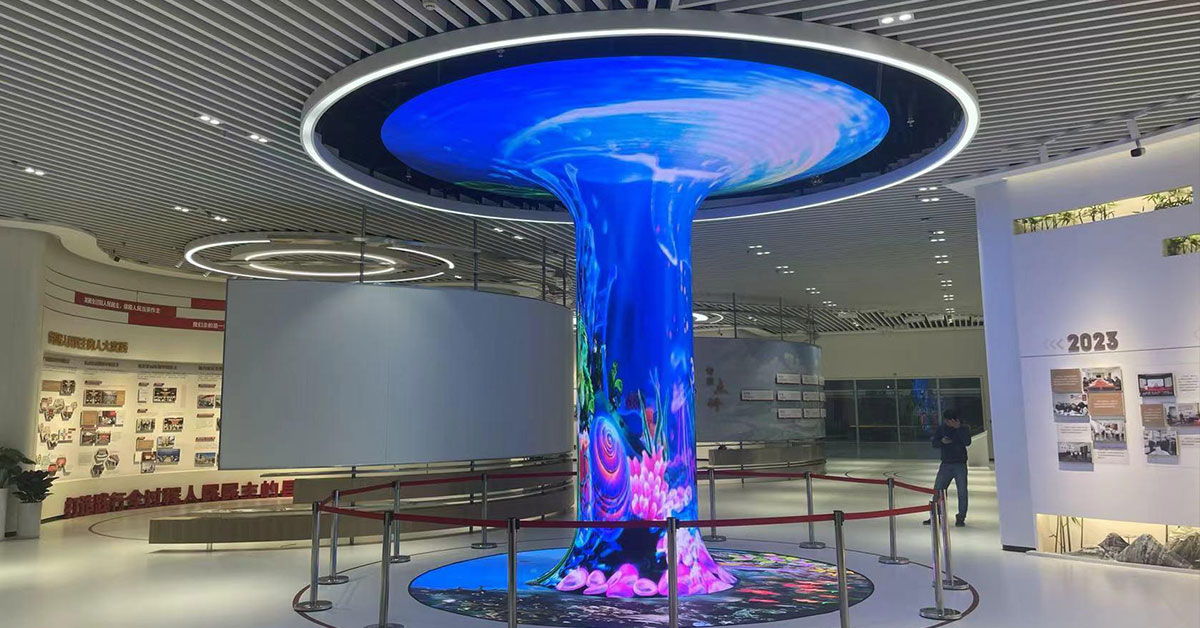
For projects involving curved surfaces or unusual structures, flexible LED displays can also be customized for different indoor and outdoor applications.
The correct solution should always be selected according to screen size, installation structure, operating hours, local temperature, sunlight exposure, and maintenance conditions.
LED display overheating is usually caused by a combination of heat generation and poor heat removal.
High ambient temperature, excessive brightness, blocked ventilation, dust, cooling fan failure, power supply problems, and long operating hours can all increase the risk.
The key is to identify abnormal heat early.
If an LED screen becomes unusually hot, start with brightness, ventilation, fans, dust, and power supplies before replacing components. Proper installation and regular maintenance can prevent many overheating problems and help the LED display maintain stable performance over the long term.
For indoor, outdoor, flexible, and customized LED display projects, TOOSEN provides LED display manufacturing, customization, installation guidance, and technical support for different application environments.
Common causes include poor ventilation, high ambient temperature, excessive brightness, dust accumulation, cooling fan problems, and abnormal power supply conditions.
Yes. Higher brightness normally requires more power, which can increase heat generation. Using suitable brightness levels can help reduce unnecessary power consumption and heat.
 +86 18688923792
  andy@tosled.com


