



新闻中心
最真实的客户反馈,高高度信息丰富的技术支持视频和我们的最新更新!
最真实的客户反馈,高高度信息丰富的技术支持视频和我们的最新更新!

Просмотр: 407

Время публикации:2026-08-24
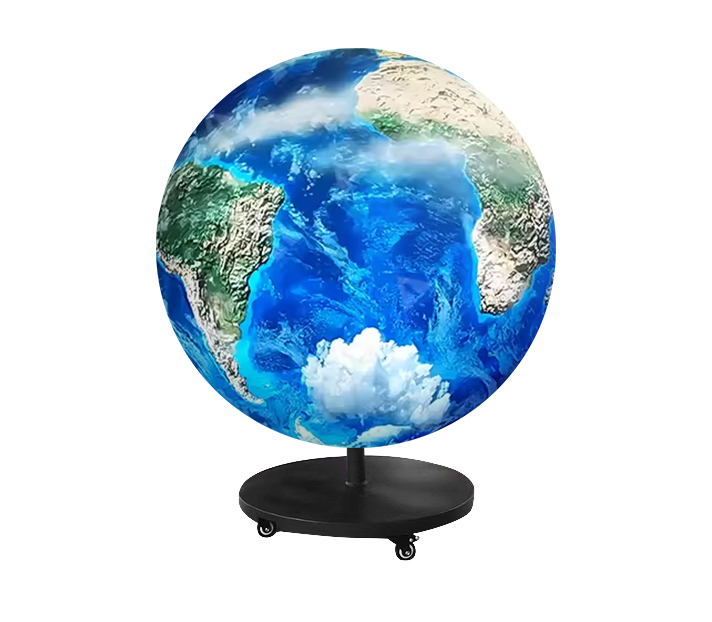
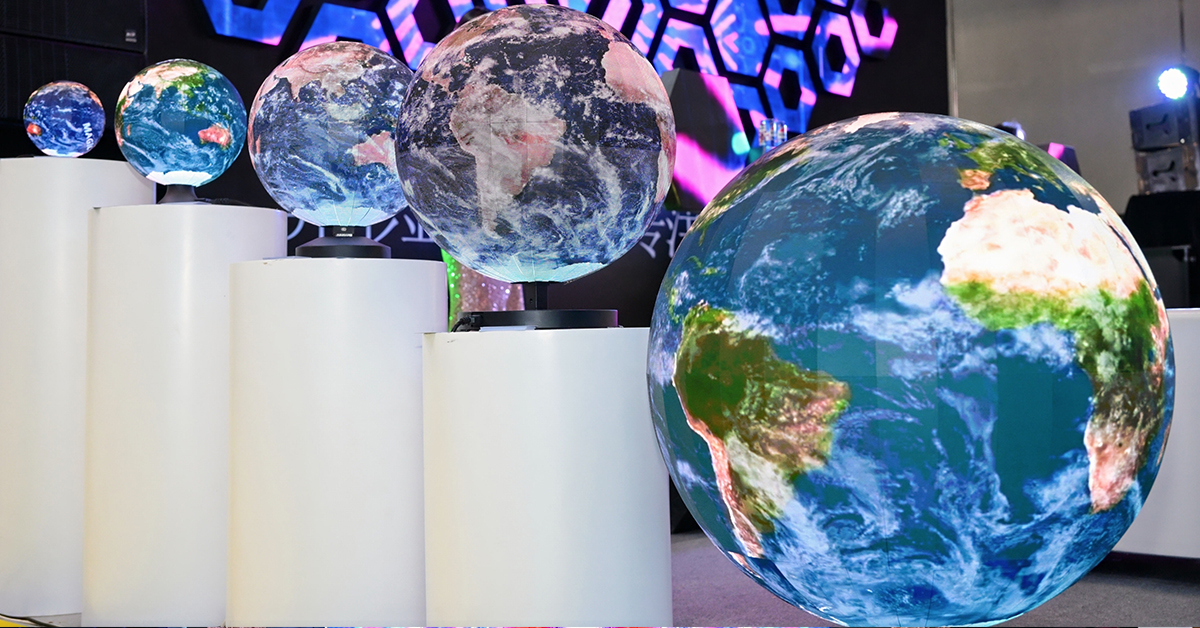
An LED sphere display should present smooth and consistent colors across its entire surface. However, after installation or long-term use, you may notice that some areas look brighter, darker, warmer, or slightly different in color.
Uneven color does not always mean that the LED sphere is damaged. The problem can come from LED lamp batches, viewing angles, module differences, calibration settings, heat, or aging.
Because a spherical LED screen has a curved 360-degree surface, diagnosing color problems is also different from troubleshooting a conventional flat LED wall.
This guide explains the most common causes of LED sphere display uneven colors and how to solve them.
One of the most common causes of LED display color inconsistency is the use of LEDs from different production batches.
Even LEDs with the same model number may have small differences in brightness, wavelength, and color characteristics. Manufacturers normally use LED binning to keep these differences within an acceptable range.
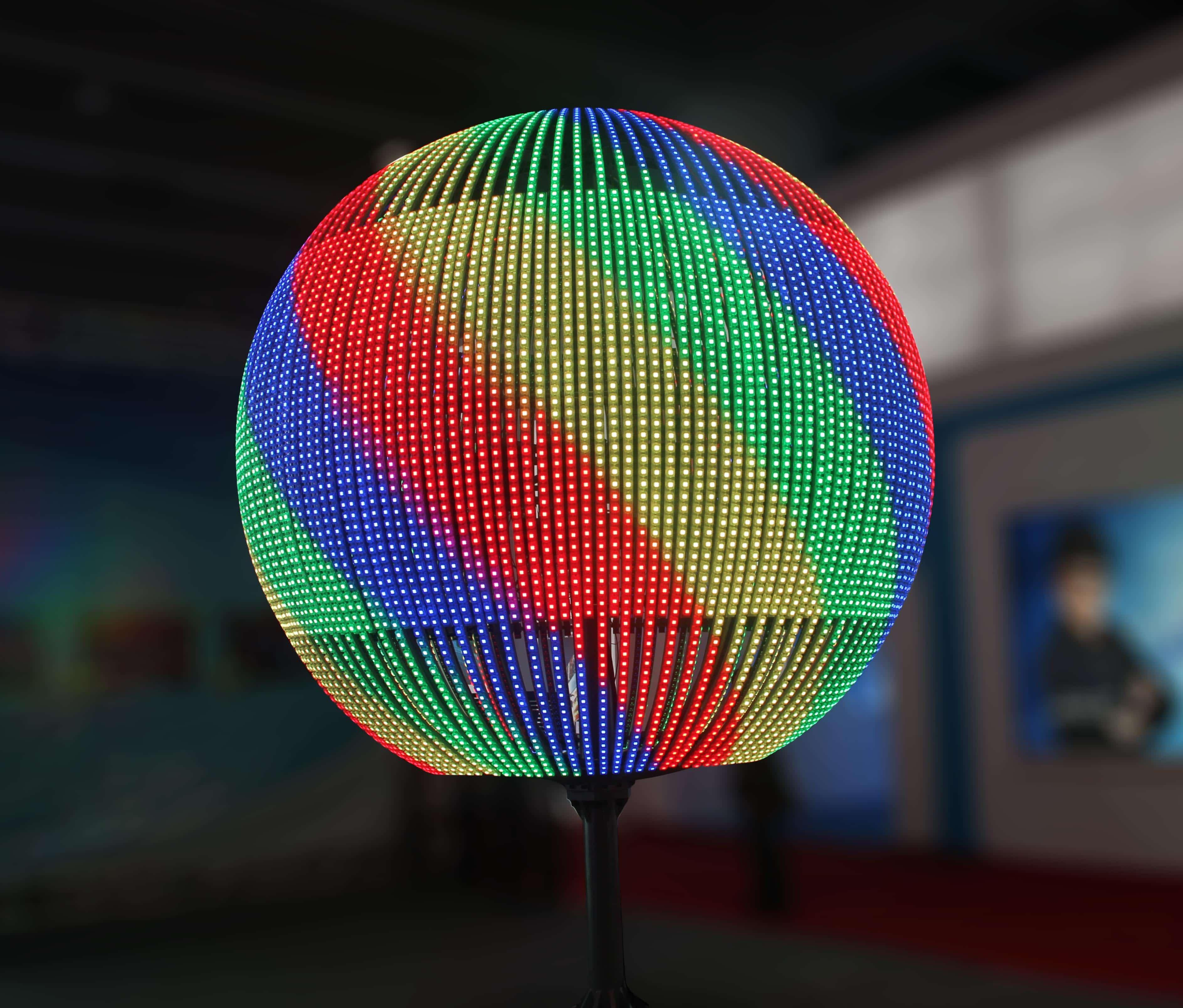
Problems may appear when modules from different batches are mixed on the same sphere.
For example, one section may look slightly blue while another looks warmer when the entire screen displays white.
This problem is especially noticeable with:
White images
Light gray backgrounds
Solid RGB test images
Low-brightness content
For a new LED sphere project, using carefully matched LED lamps and modules helps improve overall color uniformity.
This is one of the biggest differences between a spherical LED display and a flat LED screen.
On a flat display, most LEDs face approximately the same direction. On a sphere, LEDs are distributed around a curved surface.
A viewer standing in front of the sphere may see the center almost directly, while LEDs near the sides, top, and bottom are viewed at increasingly different angles.
As a result, a sphere may sometimes appear to have slightly different brightness or color around its edges even when the modules are working normally.
A high-quality spherical LED screen therefore requires not only good LED components but also accurate module design and a structure that creates a smooth spherical surface.
A sphere is normally assembled from multiple specially designed curved or flexible LED modules.
If these modules do not have consistent brightness and color characteristics, visible patches can appear on the finished display.
For example:
Module A: normal white
Module B: slightly blue
Module C: slightly darker
Individually, these differences may be difficult to notice. Once dozens or hundreds of modules form a complete sphere, however, the differences become much easier to see.
The problem can also occur after maintenance.
If a damaged module is replaced with a module manufactured much later, the new module may not perfectly match the modules already operating on the sphere.
For this reason, keeping compatible spare modules from the original production batch is useful for future maintenance.
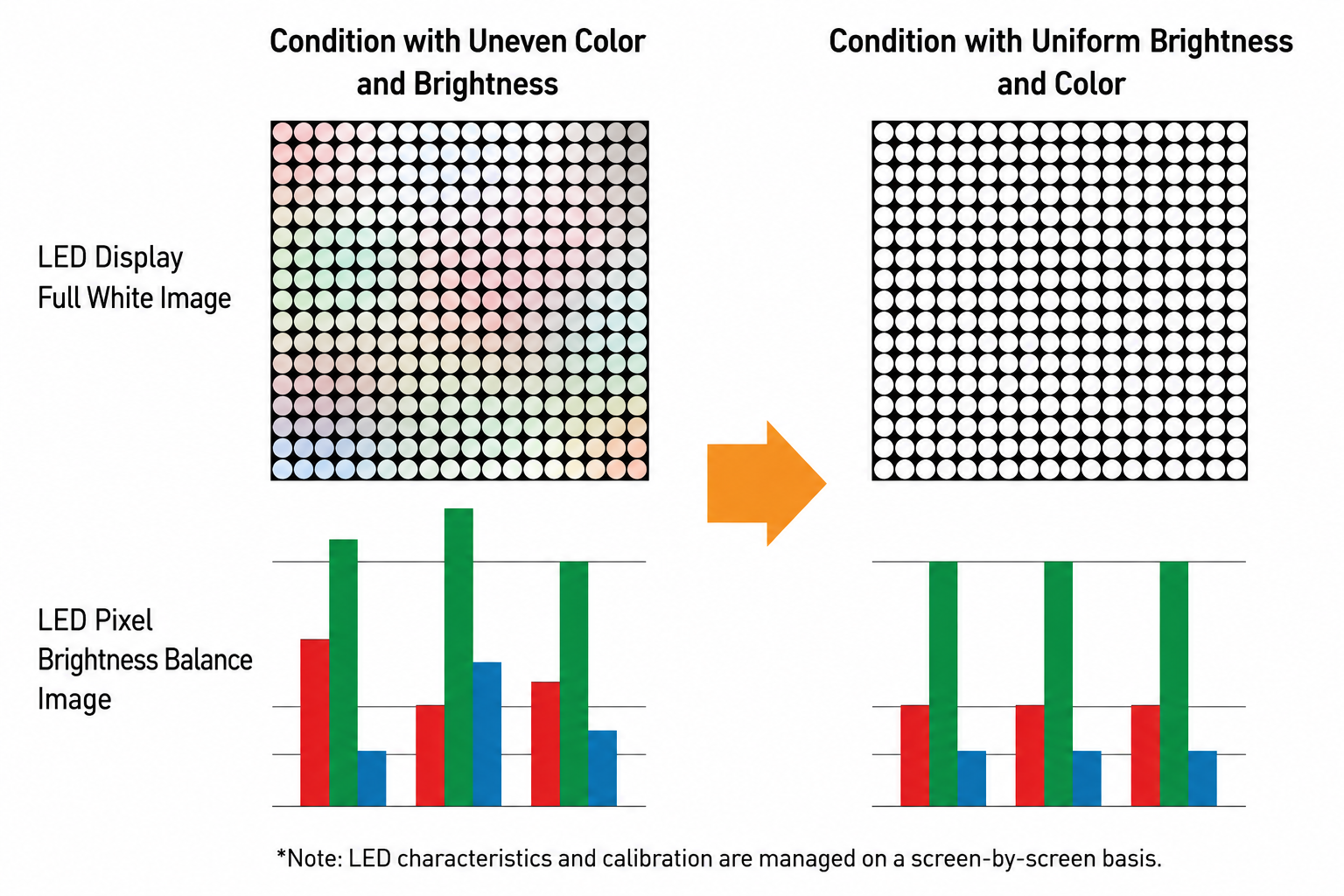
Sometimes the hardware is fine, but the calibration is not.
LED display calibration adjusts individual pixels or modules so that their brightness and RGB output remain consistent.
If calibration data is incorrect, lost, or not updated after replacing a module, you may see:
Bright patches
Dark areas
Red, green, or blue color casts
Visible module boundaries
Uneven white balance
A useful diagnostic method is to display solid test colors.
Run full-screen red, green, blue, white, and gray images separately.
If the sphere looks relatively uniform in RGB but develops obvious patches on white or gray images, the problem may be related to white balance, grayscale performance, or calibration rather than a completely failed LED module.
Recalibration can often improve these problems.
Temperature is another factor that should not be ignored.
A spherical structure can make thermal management more challenging than with some open flat LED installations. Power supplies, receiving cards, modules, and other electronic components all generate heat during operation.
If heat is concentrated in certain areas, LEDs and electronic components in those areas may operate under different conditions.
Over long periods, uneven thermal conditions can also contribute to uneven component aging.
Good ventilation, suitable power distribution, and proper structural design are therefore important, especially for large spheres and installations that operate for many hours every day.
LED brightness gradually changes with operating time.
More importantly, red, green, and blue LEDs may not age at exactly the same rate. After years of use, the white balance of the display can therefore change.
Imagine an LED sphere that has operated for several years.
One damaged module is removed and replaced with a brand-new module. The new LEDs have experienced almost no aging, while the surrounding LEDs have already accumulated thousands of operating hours.
The replacement area may consequently appear brighter or slightly different in color.
This does not necessarily mean that the new module is defective.
Calibration may reduce the difference, but severe aging differences can be harder to eliminate completely.
Color problems are not always caused directly by LED lamps.
The driver IC, receiving card, control system, grayscale settings, gamma settings, and RGB current configuration can all influence final image quality.
For example, incorrect parameters may cause:
Poor low-gray performance
Color casts
Unstable brightness
Inconsistent white balance
Before replacing hardware, technicians should therefore check the screen configuration and control parameters.
This can prevent unnecessary module replacement when the real problem is in the control system.
When troubleshooting LED sphere color differences, it is better to follow a clear process instead of immediately replacing modules.
Start with a visual inspection. Check whether the color difference follows the shape of one module or appears across a larger area.
Next, display red, green, blue, white, and gray test images.
If one module remains different under every test color, inspect that module, its connections, driver circuit, and calibration data.
If several modules show similar differences, check whether they came from another production batch.
You should also inspect the operating temperature and ventilation inside the sphere.
Finally, perform LED sphere color calibration when necessary. For older installations, calibration can compensate for some brightness and color differences caused by aging.
Prevention starts before installation.
Choose modules with consistent LED bins, test the complete sphere before delivery, save the original calibration data, and prepare matching spare modules for future repairs.
For long-term installations, periodic inspection is also important. Small color differences are easier to correct before they become highly visible.
The mechanical structure matters as well. Accurate curved modules and proper assembly help create a consistent viewing surface.
spherical LED displays use specially designed modules for spherical structures and support different diameters, pixel pitches, and indoor or outdoor applications. Depending on project requirements, pixel pitches from P1.2 to P10 and customized sphere sizes are available.
The curved surface means LEDs are viewed from different angles. Viewing-angle characteristics can therefore make brightness or color appear slightly different around the sphere.
The surrounding modules may have aged, while the replacement module is new. Different production batches can also produce small brightness or color differences.
In many cases, yes. Calibration can compensate for pixel- or module-level brightness and color differences. However, it cannot fully repair defective LEDs, damaged driver circuits, or severe hardware problems.
Display full-screen red, green, blue, white, and gray test images. Check the sphere from several viewing positions and look for repeating patches, module boundaries, abnormal brightness, or color casts.
LED sphere display uneven colors can come from LED lamp batches, module mismatch, viewing angles, calibration errors, driver settings, temperature, and long-term aging.
The key is to identify whether the problem comes from the LEDs themselves, a specific module, the control system, or simply the viewing characteristics of the curved surface.
For projects that require a customized size or pixel pitch, TOOSEN provides LED sphere display solutions for indoor and outdoor applications, including customized diameters and multiple installation options.
Careful component matching, accurate assembly, proper calibration, and regular maintenance can keep a spherical LED display bright, consistent, and visually smooth throughout its service life.
 +86 18688923792
  andy@tosled.com


