










業界ニュース


閲覧: 4

発表時間:2026-10-29
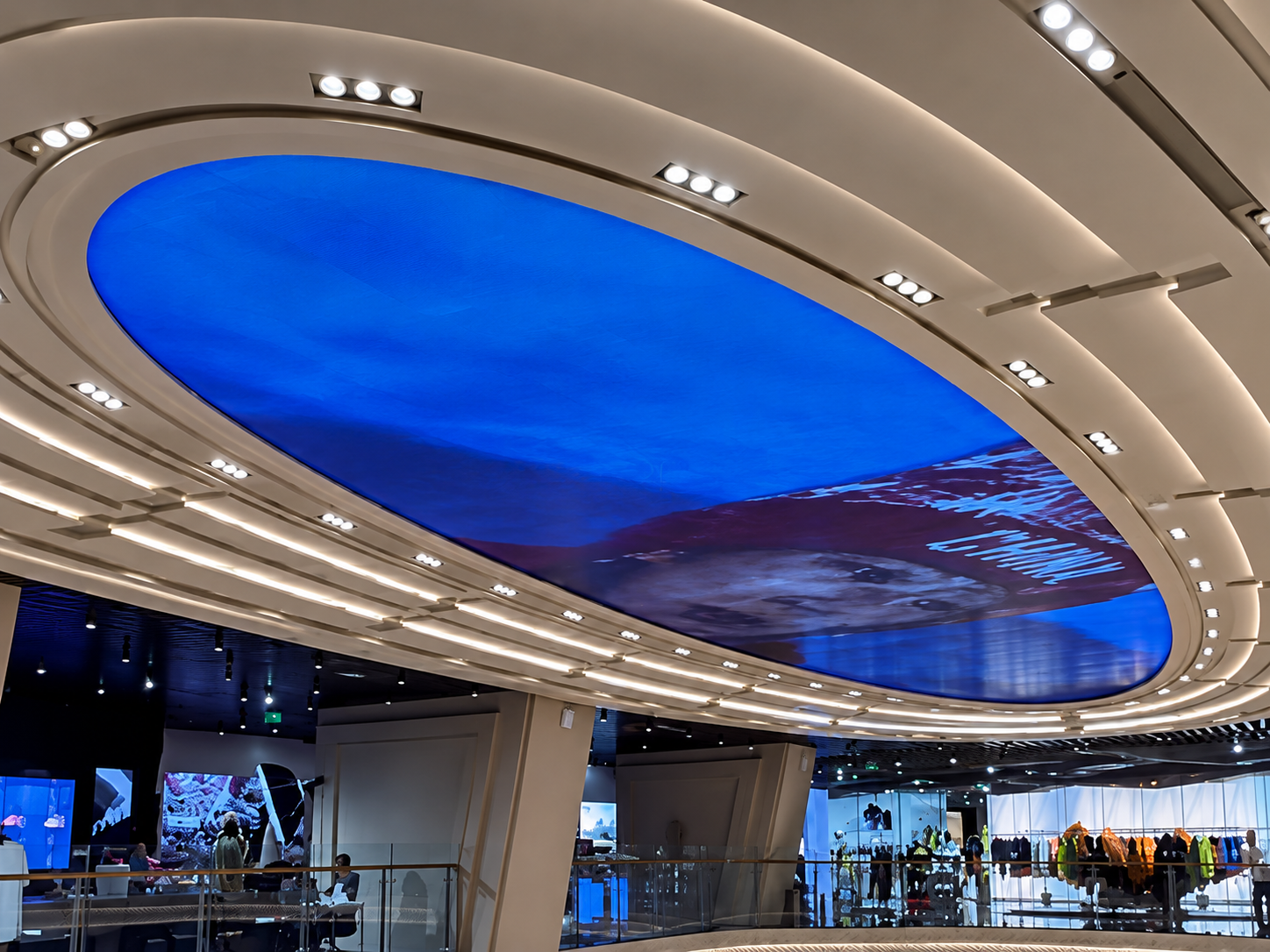
A circular LED display can attract attention in a retail store, shopping mall, or brand showroom. However, even a small pixel defect can affect the viewing experience, especially when customers stand close to the screen.
A dead pixel does not emit light, while a stuck pixel may remain red, green, blue, or white when it should display another color. Some defects appear only on specific backgrounds, making them easy to miss during a quick power-on test.
Before installing a circular LED display, buyers and project teams should check the entire screen instead of relying on a general video playback test.
In retail environments, display quality directly affects how products, logos, and promotional videos appear. A single bright pixel may be noticeable on a black background, while a cluster of dead pixels can interrupt text, product images, or brand graphics.
The curved shape creates another inspection challenge. A defect near the edge may look different from one at the center because of the viewing angle and the screen's surface geometry.
If defects are found after installation, repairs may require access equipment, partial disassembly, or store downtime. Checking the display before delivery helps reduce these risks and makes acceptance decisions easier.
Pixel defects can come from several sources:
LED failure: An individual red, green, or blue LED may stop working or remain illuminated.
Module connection problems: Loose connectors or poor contact can cause abnormal pixels or sections.
Receiving card or data issues: Signal transmission problems may create abnormal display patterns that resemble pixel defects.
Physical damage: Pressure, impact, or improper handling during transport can damage LED components.
Manufacturing variation: Defects may be present before the display leaves the factory.
Not every black point is a failed LED. Dust, surface reflections, and content mapping errors can look similar. Inspection should therefore combine test patterns with signal and module checks.
Start with a clean screen and stable operating conditions. Allow the display to warm up according to the manufacturer's instructions before making the final assessment.
Step 1: Display a full-white pattern.
Check for black points, uneven brightness, and areas that remain dark. White is useful for identifying pixels that fail to illuminate across all color channels.
Step 2: Test red, green, and blue separately.
A pixel may appear normal on white but fail to reproduce one color correctly. Single-color patterns help identify which channel may be affected.
Step 3: Display a full-black pattern.
Look for pixels that remain illuminated. These may appear as isolated red, green, blue, or white points against the dark background.
Step 4: Use gray patterns.
Dark and medium gray backgrounds can reveal intermittent defects, brightness differences, and irregular pixels that are less obvious on full-color images.
Step 5: Inspect the complete circular surface.
Divide the display into numbered zones, such as the upper, middle, lower, left, and right sections. For a segmented circular screen, record the module position and pixel location wherever possible.
Step 6: Repeat the test.
Switch patterns several times and play a short video. If a suspected defect appears intermittently, check the data connection, power supply, and receiving card before classifying it as a failed pixel.
A useful inspection report should contain more than a defect count. Record the module number, approximate pixel coordinates, defect type, test pattern, and whether the problem remains after restarting the display.
Take close-up photographs of each suspected defect and a wider photograph showing its position on the circular screen. This makes it easier for the factory and installation team to locate the same point.
After repair or module replacement, repeat the same color-pattern sequence. Confirm that the repaired area displays correctly and that brightness and color remain consistent with adjacent modules.
The acceptance standard should be agreed upon before production. Buyers should specify the permitted number and type of dead or stuck pixels, the inspection conditions, and the repair or replacement process. Do not assume every project follows the same pixel-defect limit.
Pixel inspection should include the components responsible for image output, not just the visible LEDs.
Check LED modules, module connectors, power cables, receiving cards, data cables, and the control system. If defects are concentrated in one section, inspect its connections and signal path before replacing multiple modules.
The mechanical structure also matters. A circular LED display uses a curved arrangement of modules, so maintenance access and module numbering should be planned in advance. Clear labels can help technicians locate a faulty section without unnecessary disassembly.
For close-view retail installations, buyers should also consider pixel pitch, viewing distance, brightness uniformity, and color consistency when reviewing the final display.
Imagine a retailer preparing to install a circular LED display in a shopping mall entrance. The screen powers on normally, and promotional videos look acceptable from a distance.
During the full-color inspection, the technician notices several dark points near the lower-right section. A red test pattern reveals that some pixels do not reproduce red correctly, while the black pattern identifies one point that remains illuminated.
The team records the affected module numbers, checks the connections, and confirms which defects require module-level repair. After the repair, the same patterns are played again and the results are documented.
This process provides a clearer handover record and reduces the chance of discovering visible defects after the store opens.
Use full-white, red, green, blue, and black test patterns. Inspect the entire curved surface closely and record any pixels that remain dark or illuminated when they should not.
It depends on the display design and the source of the fault. Some problems can be resolved through connector or signal troubleshooting, while a failed LED component may require professional repair or module replacement.
There is no single limit that applies to every circular LED display. The buyer and supplier should agree on the pixel-defect acceptance criteria before production and delivery.
Yes. Transport, assembly, and cable connections can introduce new problems. Repeat the main color-pattern tests after installation and before final handover.
Include the inspection date, display model, module locations, defect types, photographs, repair records, retest results, and the agreed acceptance criteria.
A reliable supplier should support product inspection, troubleshooting, installation guidance, and after-sales service. For customized circular LED displays, clear module identification and accessible maintenance points can also make future repairs more efficient.
Toosen provides customized LED display solutions for commercial applications, including circular and other specially shaped displays. Its manufacturing services cover material sourcing, production, quality control, and custom development.
Before confirming a retail project, discuss pixel-defect acceptance criteria, pre-shipment testing, spare modules, and the procedure for handling defects discovered on site.
Explore Toosen's official website to learn more about its LED display products and customization services.
Final recommendation: Do not approve a circular LED display based on video playback alone. A documented, multi-color pixel inspection before shipment and again before retail handover provides a more reliable basis for acceptance.
 +86 18688923792
  andy@tosled.com


