






浏览: 32

发布时间:2026-11-07
1. Why Low-Grayscale Performance Matters
An indoor LED display may look excellent when playing bright videos, colorful advertisements, or presentation slides. However, its weaknesses can become obvious when the screen shows dark scenes.
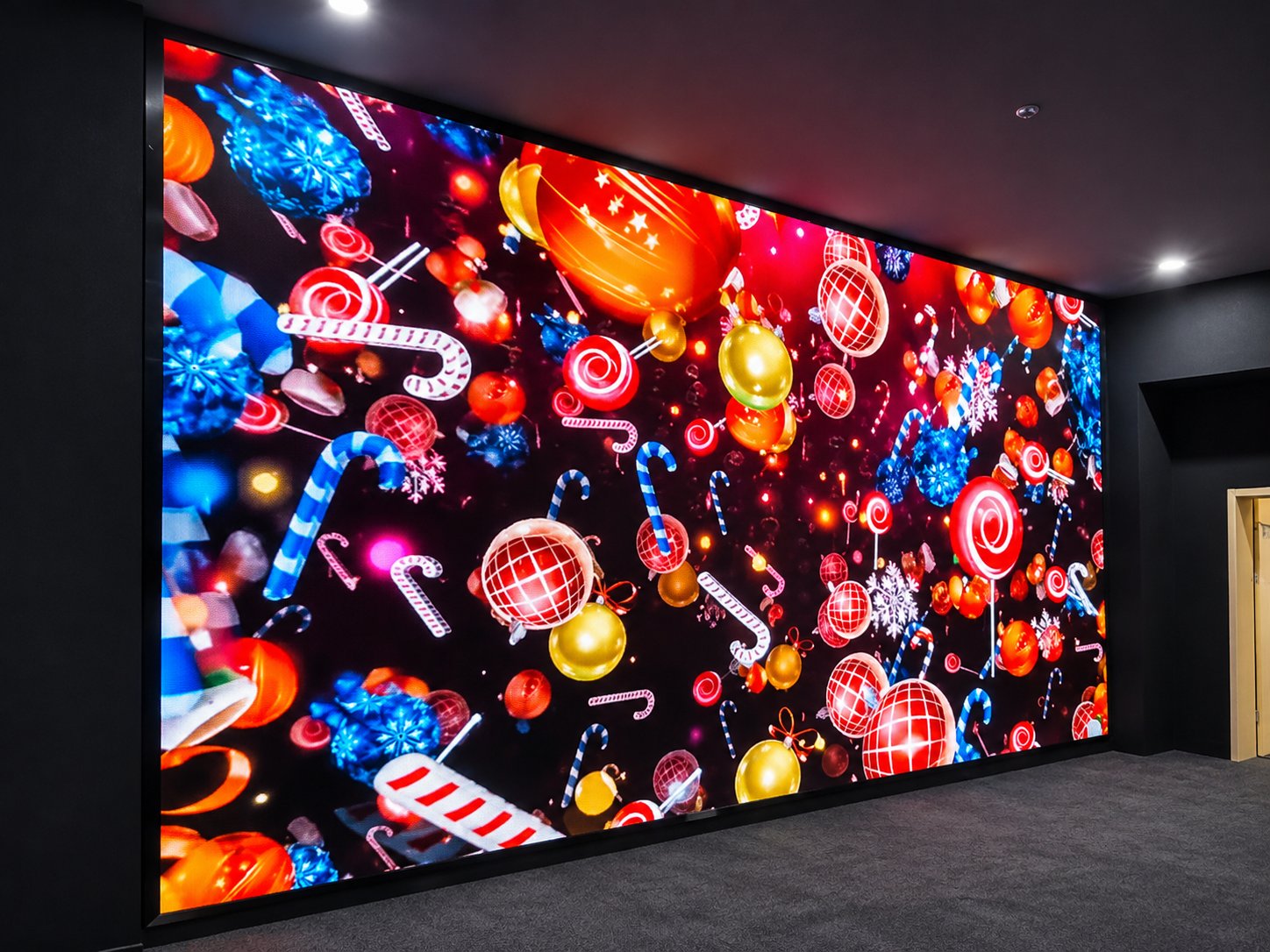
Black backgrounds, night scenes, and dark gray images often reveal uneven brightness, visible patches, and differences between LED modules. These problems are especially noticeable in conference rooms, control rooms, broadcast studios, and exhibition spaces where viewers sit close to the screen.
This is why buyers should evaluate indoor LED display low-grayscale performance before making a purchase.
A screen should not only produce bright and colorful images. It should also maintain consistent visual quality when displaying dark content at low brightness levels.
Poor low-grayscale performance can affect the entire viewing experience.
For example, a dark background may appear smooth in the center but show lighter or darker areas near the edges. Some modules may display a slightly different gray level, creating visible blocks across the screen.
These problems can cause several issues:
Visible dark patches: Uneven brightness becomes noticeable in dark scenes.
Color inconsistency: Gray areas may appear slightly green, red, or blue.
Module boundaries: Different sections of the screen become visually separated.
Poor camera performance: Uneven dark areas may become more obvious during video recording.
For professional indoor installations, these defects can reduce image quality even when the display meets its standard brightness and resolution specifications.
Several factors can affect dark-scene uniformity.
Small differences in LED chip characteristics can affect brightness and color output. These variations may be difficult to notice at high brightness but become more visible at low grayscale levels.
The driving IC controls how much current reaches each LED. If its output is not sufficiently consistent, different pixels may produce slightly different brightness levels.
Low-gray performance also depends on how accurately the system handles small changes in grayscale signals.
Brightness and color calibration help improve consistency across modules. However, incomplete calibration or mismatched calibration data can create visible differences when the screen displays dark content.
Unstable voltage distribution may affect the output of different modules. Voltage drops across long power connections can also contribute to inconsistent display performance.
Buyers should evaluate the complete display system instead of focusing on LED chips alone.
First, select LED modules with consistent optical characteristics. Matching LED batches can help reduce differences between neighboring modules.
Second, choose a reliable driving system with accurate low-grayscale processing. The system should maintain stable brightness transitions without producing obvious steps or color changes.
Third, complete brightness and color calibration after the modules are assembled into the cabinets.
Finally, check power distribution and signal connections. Stable power delivery helps maintain consistent output across the entire indoor LED video wall.
A proper factory inspection should include several dark-scene test patterns.
Display a completely black image in a controlled lighting environment.
Observe whether individual pixels remain visibly illuminated or whether certain areas appear brighter than others.
This test helps identify abnormal light output and differences in black appearance.
Display a uniform 5% gray image across the entire screen.
This is an important test because small brightness differences can become easier to identify when the display operates near its darkest visible levels.
Look for dark patches, bright spots, and visible module boundaries.
Increase the grayscale level to 10%.
Check whether brightness changes smoothly across the screen. Pay particular attention to areas where neighboring modules show different gray levels.
Play a gradient that gradually changes from black to dark gray.
The transition should appear smooth, without obvious brightness steps, sudden color changes, or horizontal and vertical bands.
Record the display using a professional camera under the intended operating conditions.
Check whether dark areas show flicker, color noise, or visible differences between modules.
For broadcast and studio applications, camera inspection is especially useful because visual defects may appear differently on recorded footage.
When comparing indoor LED display products, buyers should pay attention to more than pixel pitch and refresh rate.
Important specifications include:
Grayscale processing: Confirm the actual grayscale capability and low-brightness performance.
Refresh rate: A higher refresh rate can improve camera recording performance, but does not guarantee better low-gray uniformity.
Driving IC: Check the driving system and its low-grayscale processing capability.
Brightness adjustment: Confirm whether the display supports stable brightness adjustment.
Calibration system: Ask whether brightness and color calibration are completed before shipment.
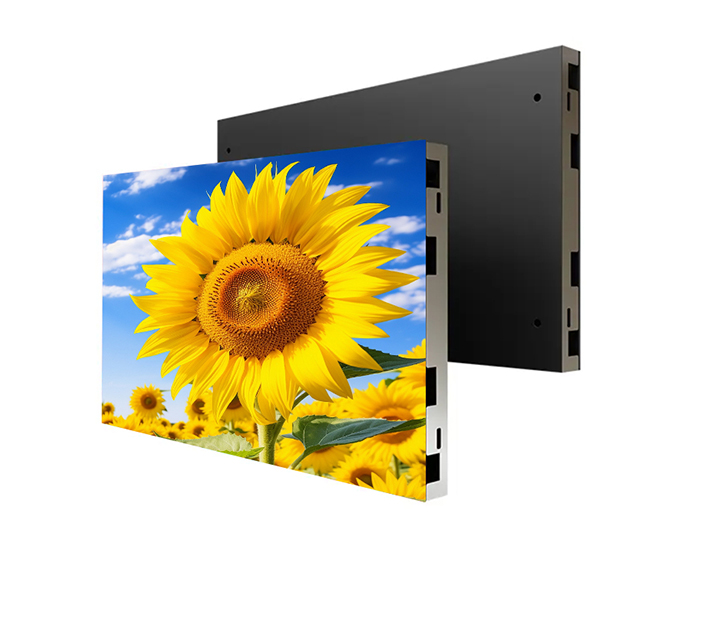
For close-viewing applications, fine-pitch indoor LED displays such as P1.2, P1.5, P1.8, and P2 are worth considering.
TOOSEN provides indoor LED display solutions with fine-pitch options, high refresh rates, and grayscale processing technologies for professional visual applications.
Explore the TOOSEN Indoor LED Display Solutions to compare available configurations.
Consider a P1.5 indoor LED video wall installed in a corporate conference room.
During the initial inspection, the display plays presentation slides and colorful videos without obvious problems.
However, when engineers switch to a 5% gray test pattern, several areas appear slightly darker than the surrounding modules.
The team records the affected cabinet positions, checks the calibration data, and compares the modules under the same testing conditions.
After correcting the calibration differences and repeating the test, the dark areas become less noticeable.
This example shows why dark-scene testing should be included in factory acceptance rather than relying only on bright video playback.
Low-grayscale performance describes how accurately an LED display reproduces dark gray levels while maintaining brightness and color consistency.
A 5% gray pattern helps reveal small brightness differences, dark patches, and uneven areas that may not be visible during normal video playback.
No. Refresh rate mainly affects image refresh and camera recording performance. Dark-scene uniformity also depends on LED consistency, driving IC performance, calibration, and power stability.
No. Calibration can reduce brightness and color differences, but it cannot completely correct defective LEDs, unstable power connections, or limitations in the driving system.
Yes. Factory testing allows manufacturers to identify and correct visible differences before the display is installed at the customer's location.
A professional indoor LED display should deliver consistent images across different brightness levels, not just impressive performance on bright content.
Before purchasing, buyers should request full-black, 5% gray, 10% gray, dark-gradient, and low-brightness camera tests.
These inspections provide a clearer understanding of the display's actual performance and help reduce unexpected image-quality problems after installation.
TOOSEN provides indoor LED display solutions for conference rooms, control centers, exhibition halls, retail environments, and other professional applications.
With product customization, factory quality inspection, and technical support, TOOSEN helps customers select LED display systems that meet their project requirements.
Visit TOOSEN to learn more about indoor LED display solutions.
 +86 18688923792
 andy@tosled.com


