
Company news


View: 26

Release time:2026-11-06
Why Viewing Distance Matters for COB LED Displays
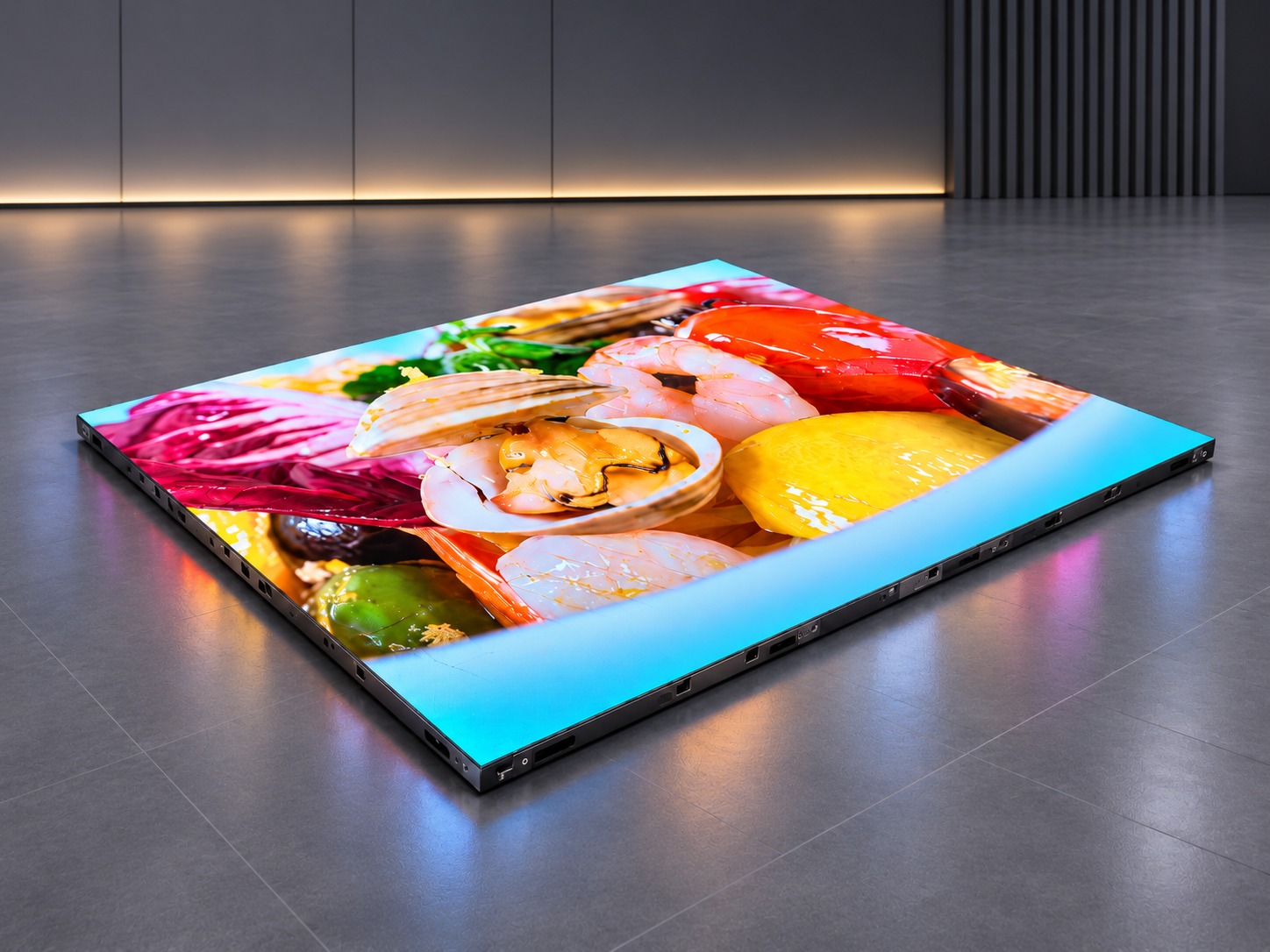
Choosing a COB LED display is not only about screen size or resolution. Viewing distance is equally important. A screen may look sharp during a factory demonstration but appear less clear when installed in a real conference room or control center.
The main factor is pixel pitch. It refers to the distance between the centers of two neighboring pixels. A smaller pixel pitch means more pixels in the same display area and allows viewers to see the screen clearly from a shorter distance.
For example, a P1.2 COB LED display has a finer pixel structure than a P2.5 display. However, choosing the smallest pixel pitch for every project is not always necessary. Buyers should consider the room layout, screen dimensions, content type, and audience position together.
An unsuitable pixel pitch can affect the viewing experience in several ways.
If the pixel pitch is too large for close viewing, individual pixels may become noticeable. Small text, thin lines, and detailed graphics may look less smooth.
If the pixel pitch is unnecessarily small for a large room, the project may require a higher investment without providing a noticeable improvement for viewers sitting far away.
Screen size also matters. A display with sufficient resolution may still be difficult to read if it is too small for the distance between the screen and the last row of seats.
The goal is to find a balance between image clarity, viewing comfort, screen dimensions, and project budget.
Before selecting a COB LED display, buyers should evaluate three main factors.
Room Depth and Layout
Measure the distance between the display wall and the nearest and farthest audience positions. A room with several seating rows needs a solution that provides acceptable image quality across the entire viewing area.
Audience Position
The nearest viewer is an important reference when selecting pixel pitch. However, the last row should not be ignored. Consider whether the audience sits directly in front of the screen, at the sides, or at different heights.
Content Requirements
A screen mainly showing presentations and spreadsheets needs clear text and fine details. A display used for promotional videos may place greater emphasis on color, contrast, and motion performance.
A practical starting point is the commonly used estimation:
Minimum viewing distance (meters) ≈ pixel pitch (mm) × 1 meter per mm.
For example, a P1.5 display can use approximately 1.5 meters as an initial viewing-distance reference. This is not a strict technical limit. Actual results depend on visual acuity, content, brightness, calibration, and display quality.
The following table provides a starting point for indoor COB LED display selection.
| Pixel Pitch | Initial Viewing Distance Reference | Typical Applications |
|---|---|---|
| P1.2 | Around 1.2 m | Premium meeting rooms |
| P1.5 | Around 1.5 m | Conference rooms |
| P1.8 | Around 1.8 m | Corporate displays |
| P2.0 | Around 2.0 m | Meeting and control rooms |
| P2.5 | Around 2.5 m | Exhibition halls |
| P3.0 | Around 3.0 m | Larger indoor spaces |
| P4.0 | Around 4.0 m | Large commercial interiors |
These values are preliminary references rather than guaranteed viewing limits. For projects with close-up reading requirements, test the actual content at the intended seating positions.
A specification sheet cannot fully show how a COB LED display will perform in a real room. Buyers should arrange a viewing test before confirming the final configuration.
First, prepare a seating layout showing the nearest seat, center viewing position, side seats, and farthest row.
Next, display several test images:
Small text and presentation slides.
Thin lines and detailed diagrams.
Gray-scale gradients and dark backgrounds.
High-resolution images and moving videos.
Check whether small text remains readable from the nearest and farthest seats. Look for uneven brightness, color differences, and visible image details.
It is also useful to test the display under the actual room lighting conditions. A screen that performs well in a dark factory may look different under conference room lights.
Record the results at each viewing position. This makes it easier to compare different pixel pitch options before production.
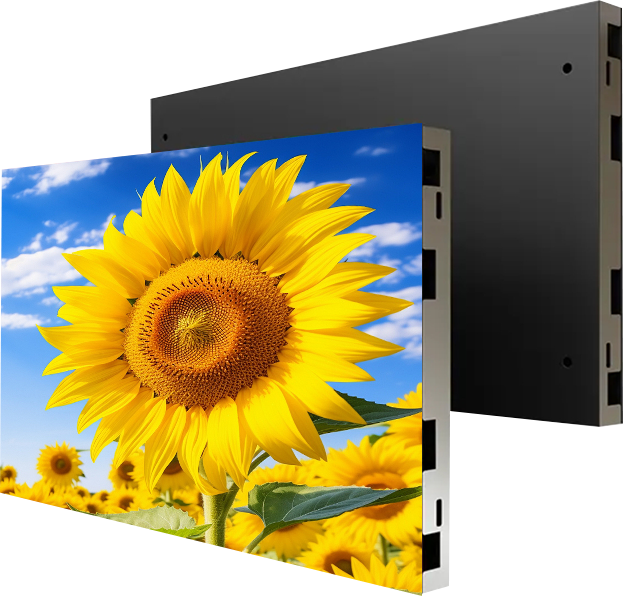
COB (Chip-on-Board) technology places LED chips directly onto a substrate and creates a compact display surface. Its high pixel density and smooth surface make it suitable for indoor environments where viewers may sit relatively close to the screen.
TOOSEN's COB LED display range includes fine-pitch configurations such as P1.2, P1.5, P1.8, P1.9, and P2, as well as larger pixel pitch options. The available configurations support applications including meeting rooms, shopping malls, exhibition halls, and other indoor commercial spaces.
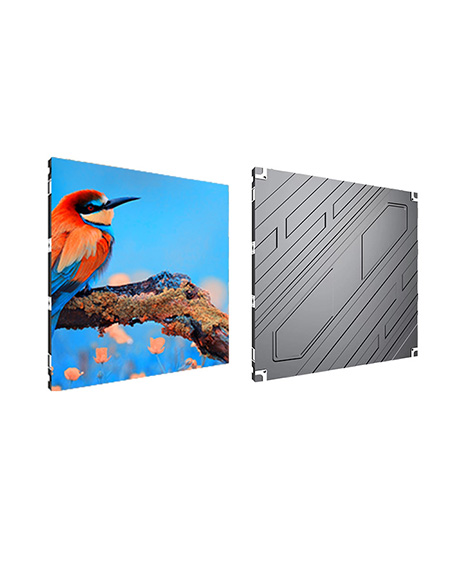
Cabinet options include 640 × 480 mm and 600 × 337.5 mm sizes, depending on the selected configuration. Refresh rates range from 3840Hz to 7680Hz according to the product specification.
The final configuration should also consider the control system, cabinet arrangement, maintenance access, and total screen resolution.
For more technical information, visit the TOOSEN COB LED Display product page.
Corporate Meeting Rooms
For meeting rooms where employees read presentations and spreadsheets, P1.2–P1.8 configurations can be considered when viewers sit relatively close to the screen.
Control Rooms
Operators often need to read small data, charts, and monitoring information. Pixel pitch should be selected according to the nearest operator position and the amount of information displayed.
Exhibition Halls
Visitors may approach the screen from different directions and distances. A balanced pixel pitch and suitable screen dimensions help maintain a clear image without unnecessary investment.
Every project should be evaluated according to its actual layout rather than relying on a standard configuration.
Q1: What is the best pixel pitch for a COB LED display?
There is no single best option. P1.2–P1.8 is suitable for many close-viewing applications, while P2–P3 can be considered for medium viewing distances.
Q2: Does a smaller pixel pitch always mean better image quality?
A smaller pixel pitch provides higher pixel density, but the final image also depends on resolution, content quality, calibration, and viewing conditions.
Q3: How do I calculate the viewing distance for a COB LED display?
Use pixel pitch in millimeters as an initial viewing-distance reference in meters. Then verify the result through actual viewing tests.
Q4: What information should I provide when requesting a quotation?
Provide the room dimensions, screen width and height, nearest and farthest viewing distances, audience layout, content type, and preferred pixel pitch.
Q5: Can TOOSEN customize COB LED display dimensions?
Yes. TOOSEN provides OEM and ODM solutions. Cabinet arrangements and screen configurations can be discussed according to project requirements.
Selecting the right COB LED display requires more than comparing pixel pitch and product prices. Room dimensions, audience positions, content requirements, and installation conditions should all be considered before production.
TOOSEN provides LED display design, manufacturing, and OEM/ODM support for different indoor applications. With suitable pixel pitch selection and project-based configuration, buyers can achieve a better balance between image clarity, installation requirements, and overall investment.
Contact TOOSEN with your room layout, screen dimensions, and viewing distance to discuss a suitable COB LED display solution.
 +86 18688923792
 andy@tosled.com