
Company news


View: 437

Release time:2026-08-31
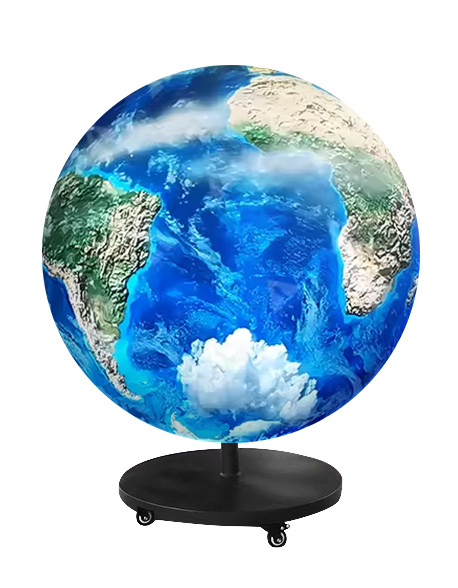
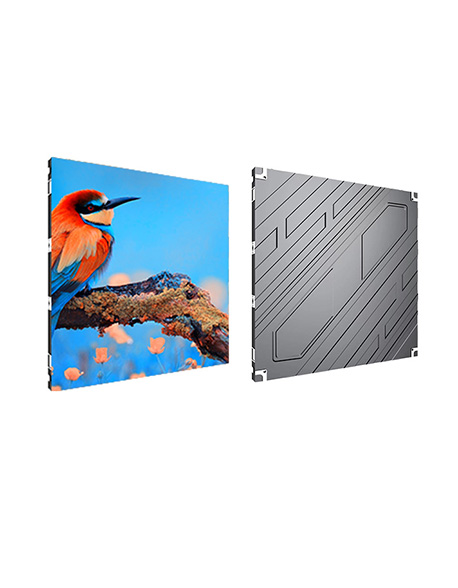
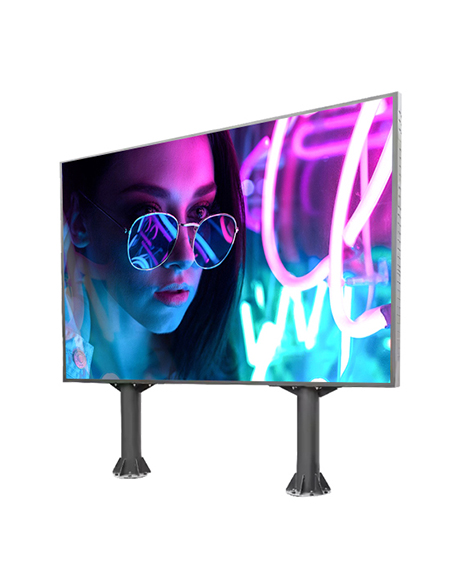
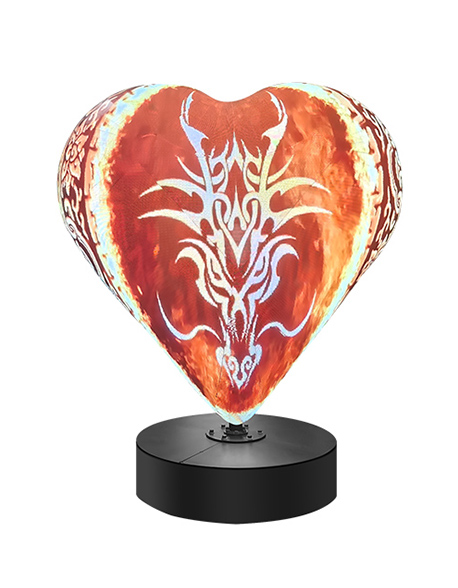
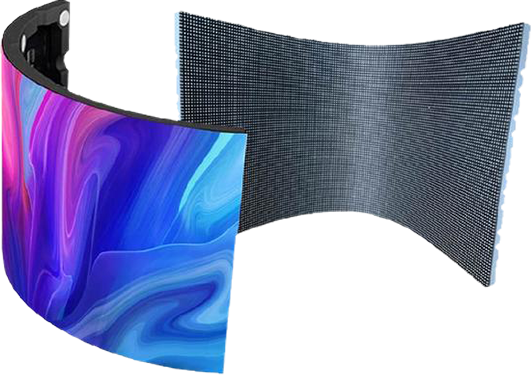
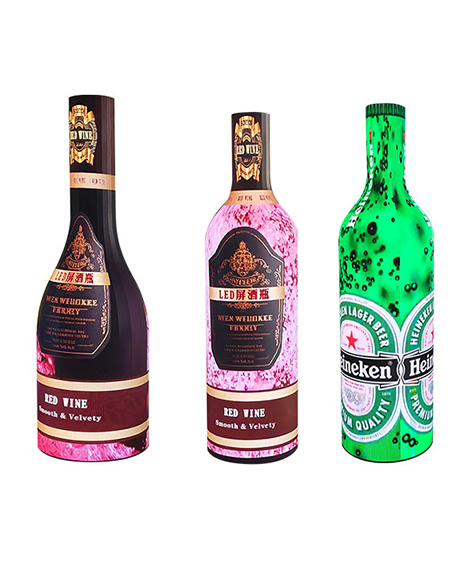
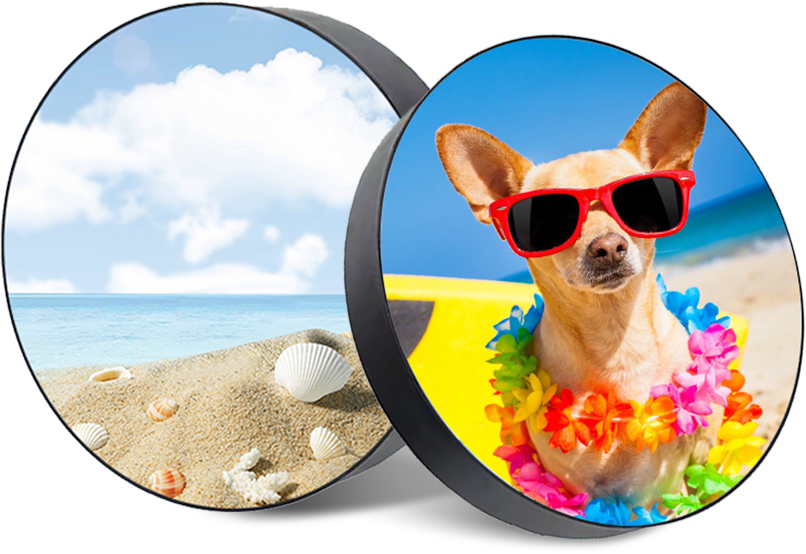
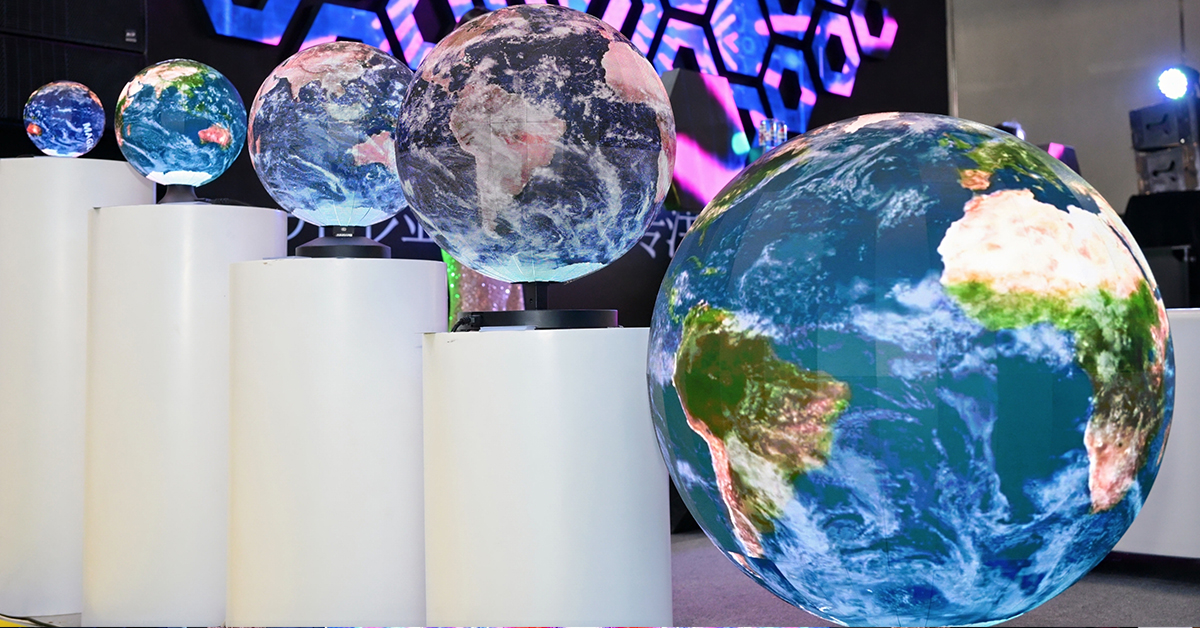
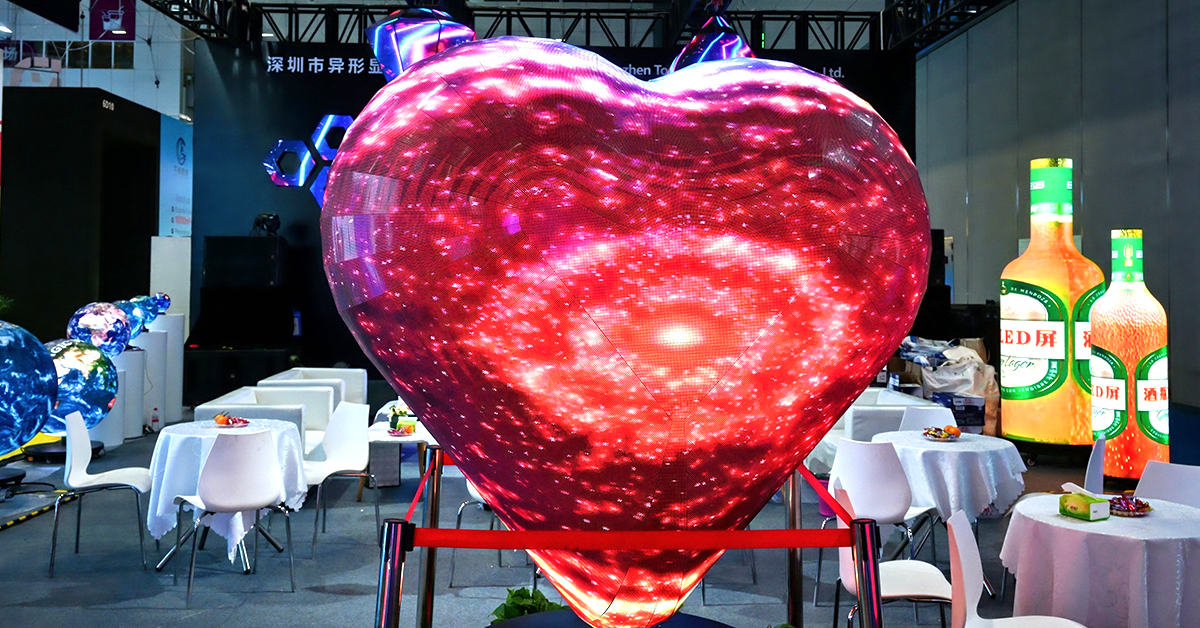
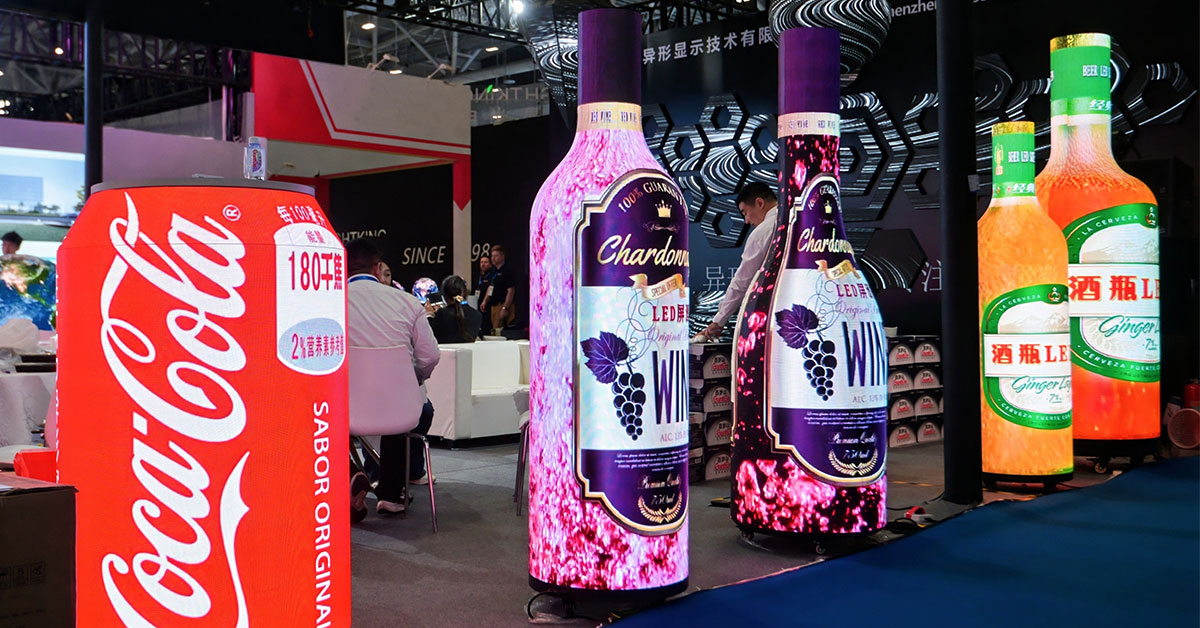
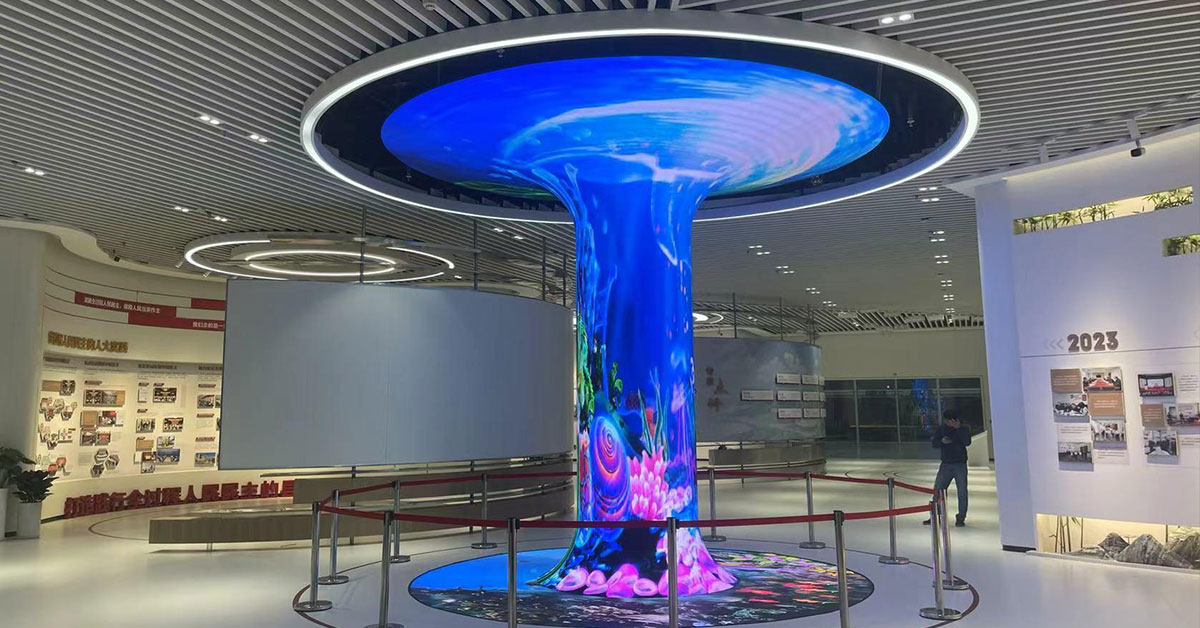
A customized LED screen can be spherical, curved, cylindrical, bottle-shaped, or built in another irregular form. But most video sources from laptops, cameras, media players, and other devices still use a standard rectangular video format.

This creates a common question: how does a customized LED screen handle HDMI input when the screen itself is not rectangular?
The answer is mainly in the LED control system. HDMI carries the original video signal, while the video processor and LED controller convert, scale, and map that signal to the actual pixel layout of the customized screen.
Yes. Most modern customized LED display systems can work with HDMI video sources.
However, HDMI usually does not connect directly to the LED modules. Instead, the HDMI cable connects to a video processor, LED controller, or an all-in-one controller with an HDMI input.
A typical signal path looks like this:
Laptop or Media Player → HDMI → Video Processor/LED Controller → Sending System → Receiving Cards → LED Modules
The video processor receives the HDMI signal and prepares it for the LED display.
This is especially important for a custom-shaped LED display, because its physical shape and pixel layout may be very different from a standard 16:9 screen.
Suppose a laptop sends a 1920 × 1080 video through HDMI.
For a normal rectangular LED wall, the processor may simply scale this video to match the screen resolution. For a customized LED screen, more processing may be required.
The system normally handles several steps:
Input signal detection
Resolution scaling
Image cropping or positioning
Pixel mapping
Signal distribution
Data transmission to receiving cards
The receiving cards then send the correct image data to different LED modules.
This process happens continuously while the video is playing.
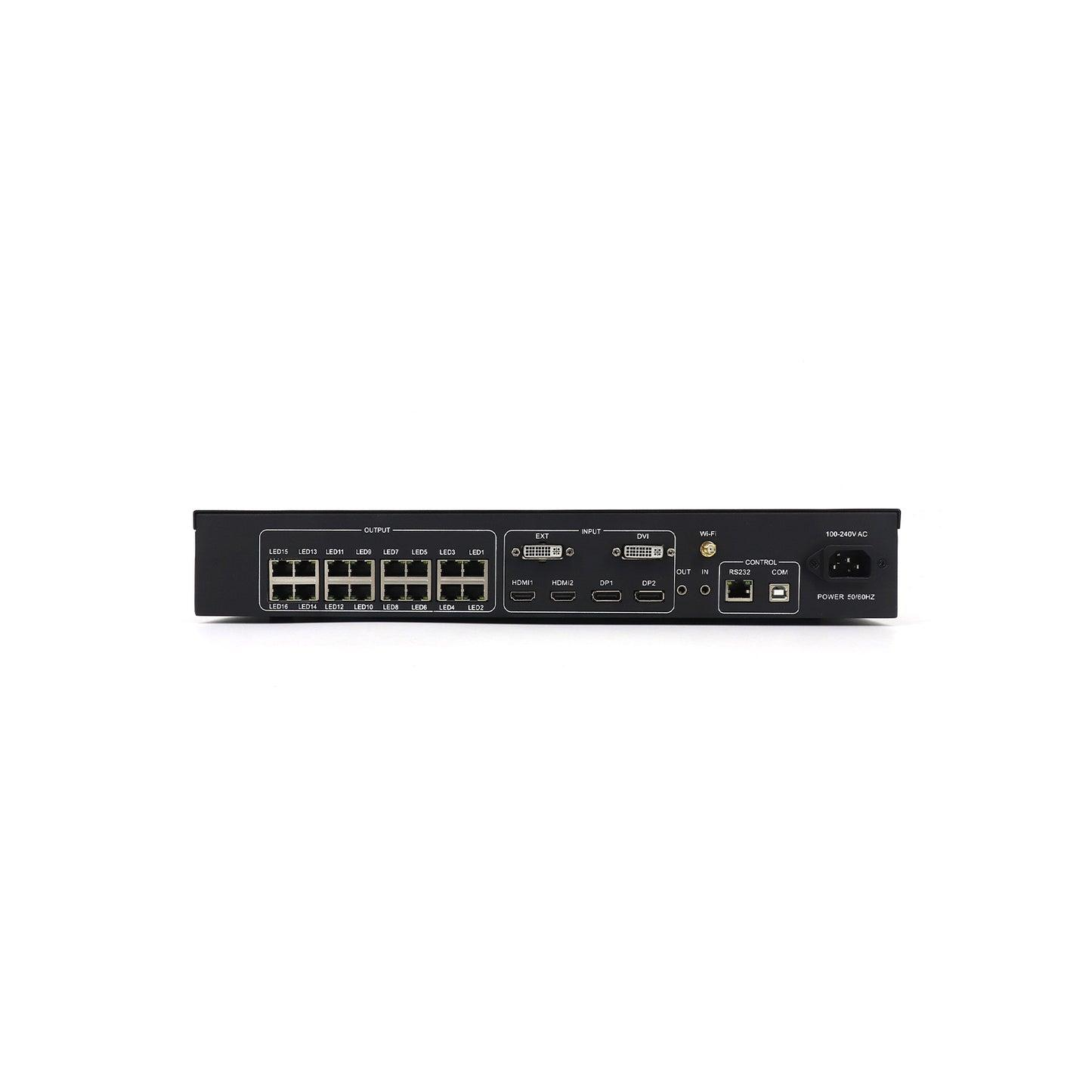
An LED module cannot normally process a standard HDMI video signal by itself.
The module needs display data that tells individual LED pixels what color and brightness to show. The controller and receiving cards convert the incoming video into data that the LED modules can understand.
This is why a controller is an important part of a customized LED display system.
For simple projects, one integrated controller may be enough. Larger or more complex installations may require separate video processors, sending devices, receiving cards, and signal backup systems.
The correct configuration depends on the screen resolution, shape, size, and application.
This is where customized LED displays are different from standard video walls.
An HDMI source is usually rectangular. A spherical LED screen, for example, has pixels distributed around a 360-degree curved surface. A cylinder, bottle, or other special-shaped screen may have another completely different pixel layout.
The control system therefore needs a customized mapping file.
Think of pixel mapping as a digital map of the physical LED screen. It tells the control system where each cabinet or module is located.
The process can be simplified as:
HDMI Video → Scaling → Custom Canvas → Pixel Mapping → Receiving Cards → LED Modules
The HDMI format itself does not need to become spherical or curved. Instead, the video is mapped onto the LED canvas created for that specific display.
This is one reason why testing and configuration are important before a customized LED screen is shipped to the project site.
The HDMI source resolution and LED screen resolution do not always need to be identical.
For example:
HDMI input: 1920 × 1080
LED screen resolution: 1280 × 720
The video processor can scale the 1920 × 1080 source to fit the 1280 × 720 LED canvas.
However, sending a 4K HDMI signal to an LED screen does not automatically make the screen 4K.
The actual image detail is still determined by the screen's physical pixel resolution. Pixel pitch, screen dimensions, and the total number of pixels all affect the final result.
For this reason, content resolution should be prepared according to the actual LED canvas whenever possible.
There is no single answer for every customized LED screen.
For many small and medium LED displays, 1920 × 1080 HDMI input is sufficient. A larger display with a very high pixel count may benefit from a 4K input and a processor that supports higher resolutions.
Before choosing the control system, check:
Total LED screen resolution
Input source resolution
Required frame rate
Number of HDMI sources
Content playback method
Processor output capacity
Choosing a more expensive 4K processor is not always necessary if the actual LED screen has a much lower native resolution.
Another common misunderstanding is the difference between HDMI frame rate and LED screen refresh rate.
A laptop may output video at:
50 Hz or 60 Hz
while the LED screen may have a refresh rate of:
3840 Hz or higher
These numbers describe different things.
The HDMI frame rate refers to how many video frames are sent each second. LED refresh rate describes how frequently the LED display refreshes its pixels.
A high LED refresh rate is particularly useful for camera shooting, live events, exhibitions, and applications where flicker needs to be minimized.
TOOSEN's customized shaped LED displays, for example, support high-refresh configurations for smooth playback and creative visual applications.
HDMI can carry both video and audio.
However, most LED display modules do not produce sound themselves. If audio is needed, the HDMI audio signal can be separated or routed through the video system to an external sound system.
For exhibitions, retail spaces, museums, and events, the LED screen and speakers are often controlled as separate parts of the complete AV system.
HDMI is widely used, but several problems can occur during setup.
No signal
Check the HDMI cable, source output, processor input selection, and supported resolution.
Image does not fill the screen
The output canvas or scaling settings may not match the actual LED resolution.
Part of the image is missing
Check cropping settings and the position of the LED screen inside the processor canvas.
Content looks stretched
This often happens when standard 16:9 content is forced onto an unusual screen shape without proper content preparation.
Some LED areas show the wrong content
The receiving card or pixel mapping configuration may be incorrect.
For irregular screens, checking the mapping file is often more important than simply replacing the HDMI cable.
A flexible LED screen can be installed on curved and irregular surfaces, but the basic HDMI signal process remains similar.
The source sends HDMI video to the control system. The processor then matches the video to the actual LED canvas and sends the mapped data to the modules.
The physical shape changes. The basic HDMI transmission standard does not.
What becomes more important is correct pixel mapping, content design, and controller configuration.
Before configuring a customized LED display, it is useful to tell the manufacturer:
Screen size and shape
Pixel pitch
Final screen resolution
HDMI source resolution
Laptop, camera, media player, or other source type
Required video frame rate
Number of video inputs
Whether live switching is needed
Whether audio is required
With this information, the manufacturer can recommend a suitable processor and control system instead of using unnecessary hardware.
HDMI input on a customized LED screen is not complicated once the signal path is understood.
The HDMI source provides the video, but the video processor and LED control system determine how that video appears on the final display. They scale the source, create the correct canvas, map pixels, and distribute image data to the receiving cards and LED modules.
For spherical, cylindrical, curved, bottle-shaped, and other irregular displays, pixel mapping is especially important because the physical screen does not follow a standard rectangular layout.
TOOSEN provides customized LED display solutions for spherical, curved, cylindrical, and other creative screen structures. The display shape, pixel pitch, dimensions, control method, and installation structure can be selected according to the actual project.
If you are planning a customized LED project, providing the screen dimensions, shape, content source, and required HDMI resolution at the beginning can make controller selection and system configuration much easier.
Yes. The laptop normally connects by HDMI to the LED video processor or controller rather than directly to the LED modules.
It can, if the selected video processor or controller supports 4K input. However, the actual displayed resolution still depends on the LED screen's native pixel resolution.
 +86 18688923792
  andy@tosled.com