
Industry news


View: 481

Release time:2026-05-13
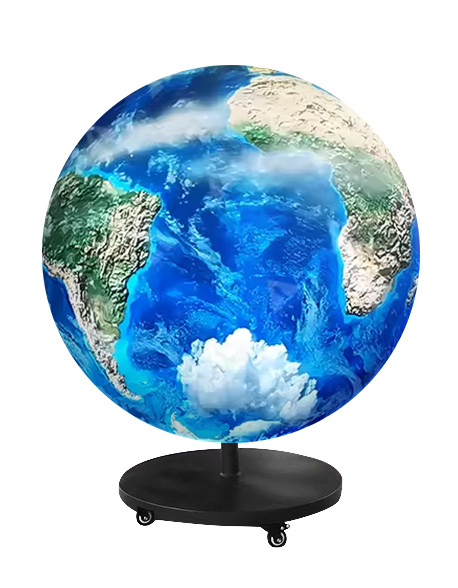
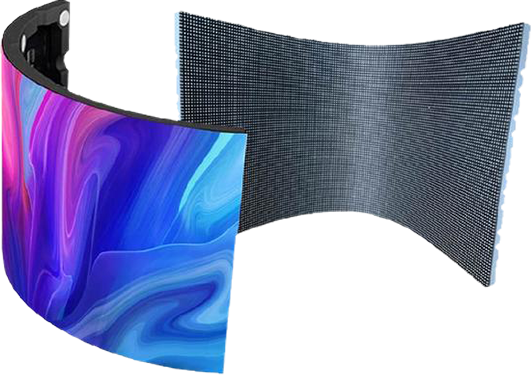
Curved LED screen calibration mainly relies on pixel-by-pixel calibration technology. Engineers use professional CCD cameras and calibration software to measure the brightness and color performance of every individual LED pixel. The system then generates correction coefficients and uploads them to the LED control system.
This process helps eliminate common display problems such as:
Color inconsistency
Brightness differences
Visible seams
Mosaic effects
Uneven grayscale performance
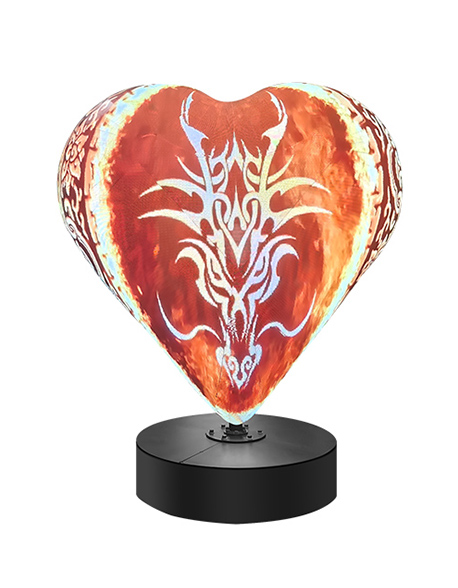
Because curved LED displays contain arcs and irregular viewing angles, calibration becomes even more important than it is for conventional flat LED screens.
Unlike flat displays, curved LED screens introduce additional visual challenges.
For example:
Different viewing angles can create brightness variations
Curved module connections may produce visible seams
LED driver inconsistencies can cause uneven color output
Arc structures may amplify mosaic effects
Without proper calibration, these issues become highly visible, especially on high-resolution or close-viewing installations.
Therefore, pixel-level calibration plays a critical role in achieving a smooth and uniform visual effect.
Create a Controlled Environment
Technicians usually perform calibration in a dark room to eliminate interference from ambient light. Stable lighting conditions help the camera capture accurate brightness and color data.
Clean the LED Surface
Before calibration begins, technicians clean dust and dirt from the LED modules. Even small surface contaminants can affect measurement accuracy.
Connect Calibration Equipment
The setup typically includes:
Professional color CCD cameras
LED calibration software
A computer workstation
LED sending and receiving systems
Common software platforms include control systems such as NovaLCT and similar calibration tools.
Data collection determines the final calibration quality.
If the curved LED screen has a large arc or complex geometry, engineers divide the display into multiple calibration regions.
This method improves capture accuracy and reduces angle distortion.
The calibration camera captures several standard display patterns, including:
White screen
Red screen
Green screen
Blue screen
The system records the brightness and chromaticity values of every pixel.
Outer curved LED screens often create severe viewing-angle differences.
To solve this problem, technicians use multiple camera positions to capture different screen sections separately. Specialized algorithms then correct the camera’s external parameters, including:
Viewing angle
Position
Lens perspective
This process helps eliminate brightness inconsistencies caused by curved geometry.
After data collection, the software calculates correction coefficients for every pixel.
Instead of increasing darker pixels, calibration systems usually reduce the brightness of overly bright LEDs to match the dimmest acceptable pixels.
This approach improves overall uniformity and helps maintain long-term display stability.
In many cases, engineers reduce brightness by approximately 5% to 10% on new screens to eliminate minor display inconsistencies caused by LED manufacturing tolerances and driver variations.
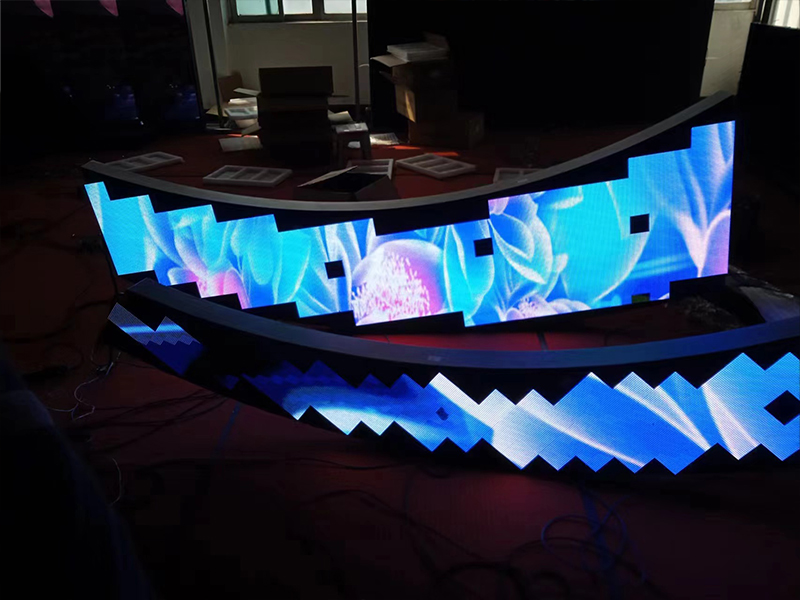
Once the calibration file is complete, technicians upload the correction coefficients to the receiving cards inside the LED display system.
The control system then applies the calibration data in real time during screen operation.
After calibration, technicians carefully inspect the display for:
Color consistency
Brightness uniformity
Seam visibility
Mosaic effects
Grayscale smoothness
If necessary, they perform additional fine adjustments until the screen achieves the desired visual quality.
Curved LED displays often develop horizontal or vertical dark lines at module joints.
Therefore, calibration must pay special attention to overlapping regions between adjacent modules to maintain consistent brightness and color performance.
When technicians calibrate the screen in multiple sections, they must carefully process the overlapping areas between capture regions.
Without proper overlap correction, visible dividing lines may appear between calibration zones.
Compared with flat LED displays, curved screens introduce:
More complex viewing angles
Irregular module geometry
Greater optical distortion
Higher sensitivity to brightness differences
As a result, curved LED calibration requires more advanced software algorithms and more precise camera positioning.
Curved LED screen calibration relies on pixel-by-pixel correction technology to achieve uniform brightness, accurate colors, and seamless visual performance.
The complete process includes:
Environmental preparation
Pixel data acquisition
Multi-camera correction
Calibration coefficient generation
Coefficient upload and verification
For large curved, immersive, or creative LED displays, professional calibration becomes essential for eliminating seams, mosaic effects, and brightness inconsistencies.
Because the process requires specialized equipment, calibration software, and advanced technical experience, manufacturers or professional LED engineering teams usually perform the work.
 +86 18688923792
  andy@tosled.com