



News
Most genuine customer feedback, highly informative technical support videos, and our latest updates!
Most genuine customer feedback, highly informative technical support videos, and our latest updates!

View: 20

Release time:2026-09-24
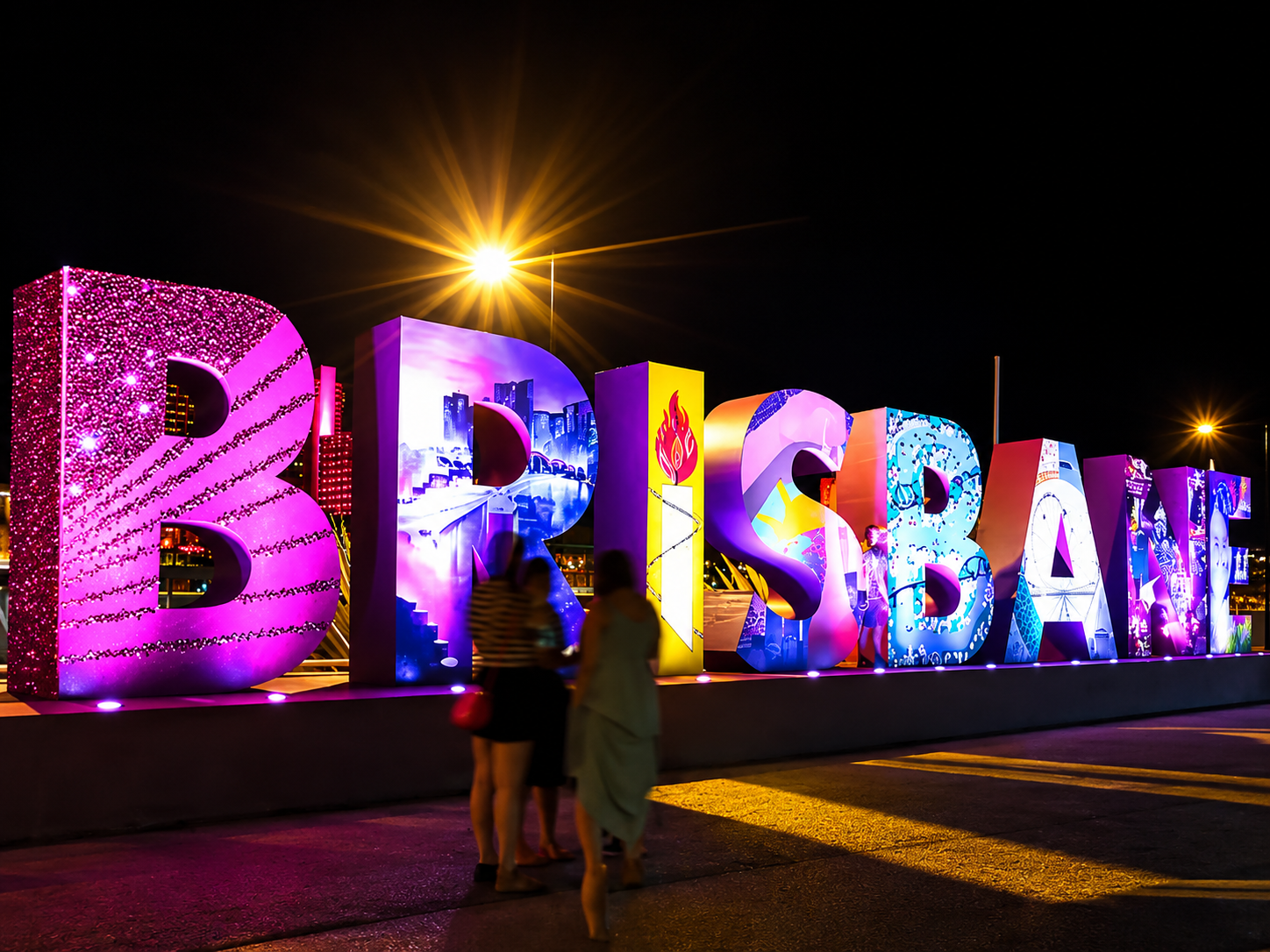
An LED letter display may look simple from the front, but the finished product can contain many different parts behind each letter.
LED modules, power supplies, receiving cards, cables, frames, mounting parts and spare components all need to match the approved drawing.
This is why the LED letter display BOM should be checked carefully before production starts.
A BOM, or Bill of Materials, should not be treated as only a purchasing list. For a customized LED display, it is also a technical confirmation document. It tells the factory what will actually be built and helps the customer confirm whether anything important is missing before approving the order.
A quotation may only show:
Pixel pitch
Display size
Total price
Quantity
Installation type
That is not enough for production.
For example, two LED letter displays may have the same overall dimensions but use different numbers of modules because their letter strokes are different.
One design may need several receiving cards because the letters are separated. Another may share one control section across several letters.
If these differences are not reflected in the BOM, problems may only appear during assembly or installation.
A complete BOM makes these details visible before production begins.
The first item to check is the LED module.
The BOM should show at least:
Module type
Pixel pitch
Module dimensions
Module quantity
Indoor or outdoor version
Module position or group
For custom letters, module quantity should be calculated from the actual letter layout rather than simply from the total square-meter area.
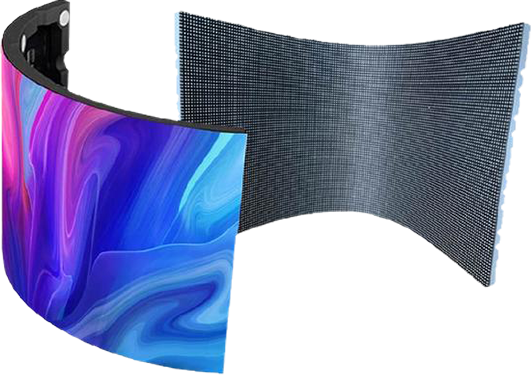
This is especially important when flexible modules are used for curved strokes or irregular shapes.
TOOSEN's flexible LED screen solutions can be used for curved and customized structures where standard rectangular cabinets are difficult to apply.
If several module types are used in one project, each type should appear as a separate BOM item.
The BOM should also list the power supply model and quantity.
Do not check this item only by asking, “Is the total wattage enough?”
The power distribution also matters.
A long LED letter may require power to be supplied from several points. Separate letters may have independent power sections. Cable distance can also affect how the system should be divided.
Before approval, confirm:
Power supply model
Input voltage
Output voltage
Rated power
Quantity
Which modules each power supply serves
The goal is to make sure the electrical layout matches the physical letter structure.
The control system is another part that is often described too simply.
A BOM that only says “LED control system ×1” gives very little information.
It should identify the receiving cards, sending device or controller, and any required accessories.
For an LED letter display, receiving card quantity can be especially important because the display may be divided into several independent letter sections.
The BOM should therefore include:
Receiving card model
Receiving card quantity
Controller or sending device
Required HUB boards
Communication accessories
The control configuration should also match the final pixel map.
If the display drawing changes after the control system is calculated, the receiving-card quantity may also need to change.
Cables are small items, but missing cables can stop an installation completely.
A good LED display BOM checklist should separate power cables and signal cables instead of listing them simply as “accessories.”
Check:
AC power cables
DC power cables
Module power cables
Data ribbon cables
Network cables
Signal extension cables
Connectors
Cable length should also be considered.
This matters particularly when letters are installed separately across a wall rather than connected as one continuous display.
A cable that works during factory testing may be too short at the actual installation site.
For a standard LED cabinet, structural components are relatively predictable.
An LED letter display is different.
Each letter may require its own internal frame, module support, back cover or mounting point.
Therefore, the BOM should include the major structural parts, such as:
Steel or aluminum frame
Module mounting plates
Back cover
Mounting brackets
Magnets
Screws and fasteners
Installation connectors
The structure should correspond to the latest approved CAD or production drawing.
If the letter height, stroke width or installation method changes, the structural BOM should be updated as well.
Spare parts should not be hidden inside a general note such as “some spare modules included.”
Write the actual quantity.
For example:
| Item | Production Qty. | Spare Qty. |
|---|---|---|
| LED modules | 128 pcs | 6 pcs |
| Power supplies | 12 pcs | 1 pc |
| Receiving cards | 8 pcs | 1 pc |
| Module cables | 128 sets | 8 sets |
The exact spare quantity depends on the project, but writing it separately makes the delivery easier to check.
It also prevents confusion later about whether spare components were included in the original order.
Before approving an LED letter display BOM, we recommend comparing three documents together:
BOM → Drawing → Quotation
First, compare the BOM with the final production drawing.
Does the number of modules match the actual letters?
Second, compare it with the electrical layout.
Do the power supplies and receiving cards cover every section?
Third, compare it with the quotation.
Are all major components included in the agreed price?
This simple three-way check can find errors that are difficult to notice when each document is reviewed separately.
The BOM revision number should also be recorded. If the letter size or structure changes, the old BOM should not remain in production.
Imagine a retail entrance using five illuminated LED letters.
The customer changes one letter after approving the first drawing because the original stroke is too narrow.
That looks like a small design change.
However, the new shape may require additional LED modules, another support plate, longer signal cables and a different module arrangement.
If only the drawing is updated while the BOM remains unchanged, the factory may prepare parts according to the earlier design.
Updating both documents together avoids this problem.
No. A quotation mainly defines commercial items and pricing. A BOM describes the actual components required to manufacture the LED display.
Yes. Spare modules, receiving cards, power supplies and important cables should be listed separately whenever they are included.
The final BOM should normally be checked after the main display dimensions, pixel pitch, letter structure and installation method are confirmed, but before mass production begins.
The BOM should be revised together with the drawing. The latest revision should be clearly identified so an older component list is not accidentally used.
A customized LED letter display involves more than arranging LEDs into the shape of a letter.
Module layout, control distribution, power design, structural support, wiring and maintenance access all need to work together.
TOOSEN provides customized LED display solutions from structural design and module matching to control configuration, factory assembly and testing.
Before production, a detailed BOM can also be checked against the approved drawing so that the modules, power supplies, receiving cards, cables, structural parts and spare components are prepared according to the same project version.
For customized shapes, you can also explore TOOSEN's Led Letter Display solutions or contact us with your letter dimensions, pixel pitch, installation environment and mounting requirements.
A clear BOM does not make an LED letter display more complicated.
It makes the project easier to control before the first component enters production.
 +86 18688923792
  andy@tosled.com