






Industry news


View: 611

Release time:2026-04-01
In the LED display industry, color uniformity stands as one of the most critical quality indicators. It directly affects how a screen looks when it shows solid colors—especially white or light backgrounds. If uniformity is poor, viewers will immediately notice patchy areas, visible color blocks, or unwanted color shifts.
Color inconsistency does not come from a single issue. Instead, several technical factors contribute to it.
Every batch of red, green, and blue (RGB) LED chips comes with slight differences in:
Wavelength
Brightness
Forward voltage
If manufacturers do not strictly control the binning and mixing process, these small differences quickly turn into visible color inconsistencies across the screen.
Different packaging batches or LED brackets can change how light behaves.
For example:
Light dispersion angles may vary
Luminous efficiency may shift
As a result, even panels built with similar chips can still show uneven color output.
LEDs degrade over time, but they do not age at the same rate.
Blue LEDs usually decay faster
Red and green degrade more slowly
Because of this imbalance, screens often develop a color shift over time, such as a greenish or reddish tint after years of use.
Heat plays a major role in color stability.
If the display has uneven heat distribution:
Hotter areas cause wavelength shifts
Localized regions may appear different in color
Therefore, poor thermal design often leads directly to visible color inconsistency.
Certain types of LED displays require even stricter control over color uniformity.
Because transparent screens allow ambient light to pass through, external lighting can interfere with how colors appear.
To maintain accuracy:
Engineers must perform precise white balance calibration
They usually complete initial calibration in a controlled dark environment
This ensures that the displayed colors remain consistent under real-world conditions.
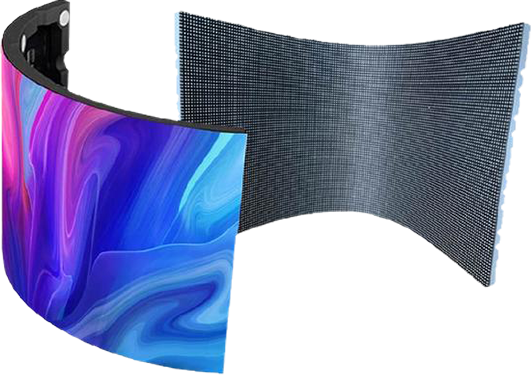
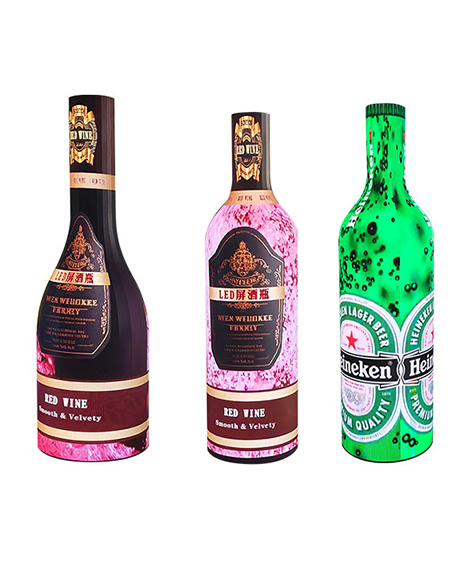
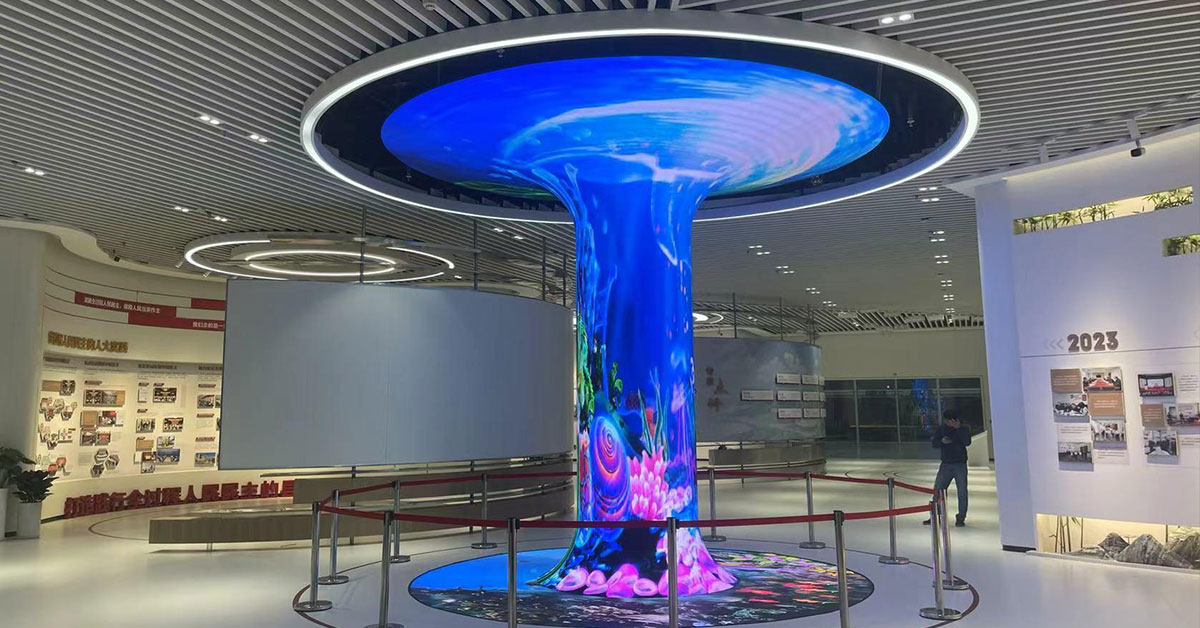
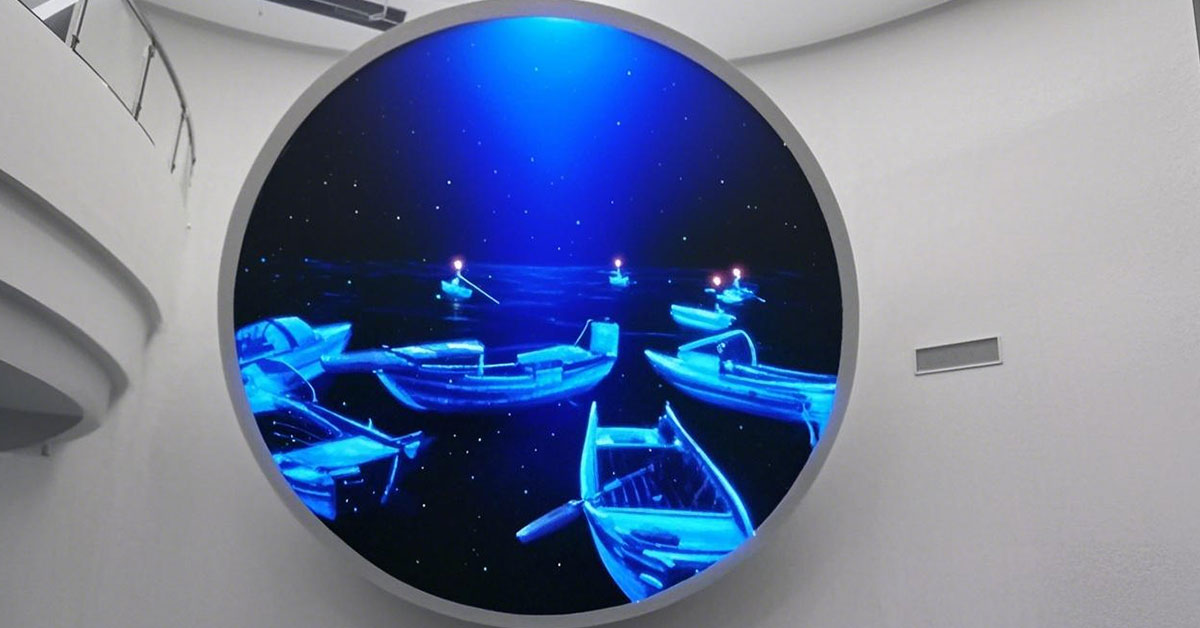
For curved, funnel-shaped, or other creative screens, viewing angle becomes a major challenge.
Color shift often appears when users view the screen from the side.
To reduce this issue, manufacturers should:
Use wide viewing angle SMD LEDs
Apply low-reflection surface treatments
These choices help maintain consistent color performance across different viewing positions.
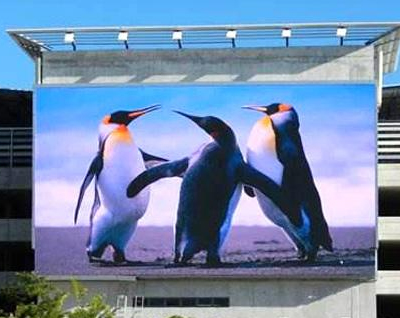
When you inspect or accept an LED display project, you do not need complex tools to spot major uniformity issues. Instead, you can rely on a few practical visual tests.
Switch the display to a pure white image.
Then check for:
Yellowish or bluish patches
Uneven brightness zones
A high-quality screen should look clean and consistent.
Reduce brightness to a low gray level.
At this stage, problems become more visible:
Color banding
Patchy or “mosaic-like” areas
This test reveals issues that may not appear at full brightness.
Play a slow-moving gradient video.
Watch closely for:
Smooth color transitions
Any visible “steps” or abrupt jumps
A good display will show a continuous and natural gradient without breaks.
Color uniformity defines whether an LED display looks professional or flawed. It depends on chip quality, packaging control, thermal design, and long-term stability. At the same time, creative formats like transparent and curved screens demand even tighter calibration.
If you want to ensure quality, do not rely on specifications alone. Instead, combine technical evaluation with simple visual tests. That way, you can quickly identify issues and guarantee a consistent, high-quality viewing experience.
 +86 18688923792
  andy@tosled.com